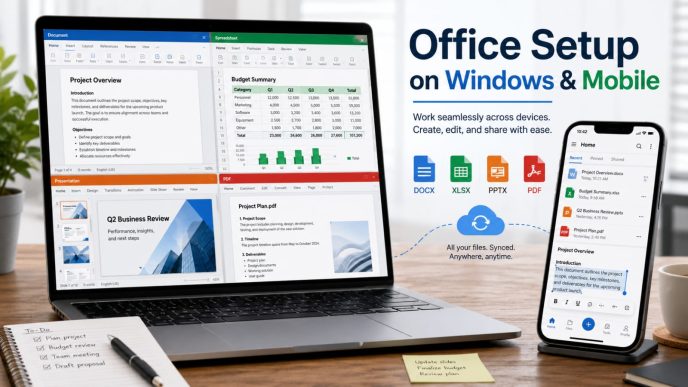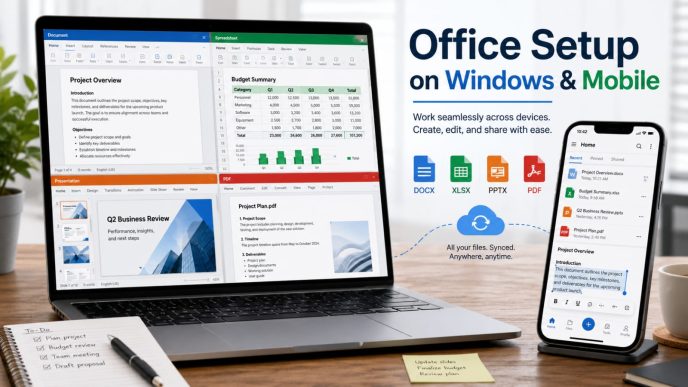
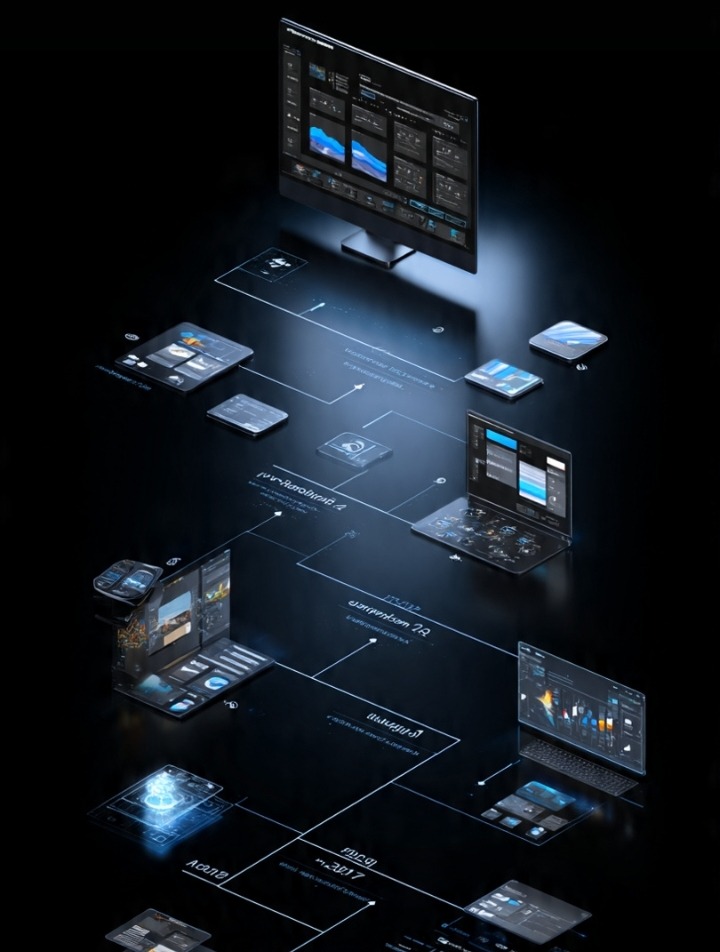
Desktop software is becoming obsolete due to the rapid evolution of web-based productivity applications. These applications have evolved into integral tools for modern workflows. Collaborative web-based productivity tools enable workers to perform desktop tasks from anywhere with an internet connection.
Cloud computing, faster internet, and improved web-based computing have all contributed to the evolution of powerful productivity tools. Web-based applications have become the go-to tools for professionals, students, and freelancers for collaboration, content creation, and task management.
Web-based productivity tools have become the cornerstone for the evolution of work.
What are Web-Based Productivity Applications?
Web-based productivity tools are applications that run exclusively within a web-based environment. These tools eliminate the need for the download and installation of desktop software.
Some examples are:
-
Document Editing
-
Project Management
-
Team Collaboration
-
Graphic Design
-
Cloud Storage
-
Data Analysis
-
Media Creation
Because web-based tools are hosted online, they allow for continued desktop task performance, even when switching between computers.
Collaboration from Anywhere
The most important feature of web-based applications is collaboration. Most web-based applications allow workers to collaborate simultaneously on various computing devices.
As hybrid and remote work become the norm, adaptability like this proves useful.
The perks include:
-
Multi-device access
-
Auto-sync
-
Less reliance on one computer
-
Coordination from afar is effortless
Most companies believe the enhanced productivity and ease of use these tools provide benefit everyday business operations.
Easier Software
With most traditional software, you must install, update, and check for compatibility on each individual computer. For software that runs through a browser, the updates are done on the providers’ end, and much of the maintenance is removed for the individual users.
Normal perks include:
-
Auto-sync
-
Security and functional updates
-
User Experience Continuity
-
IT Load is Reduced
Organizations can spend more time on their main goals rather than having to manage software.
Collaboration is Easier
Real-time collaboration is the focus of modern work software.
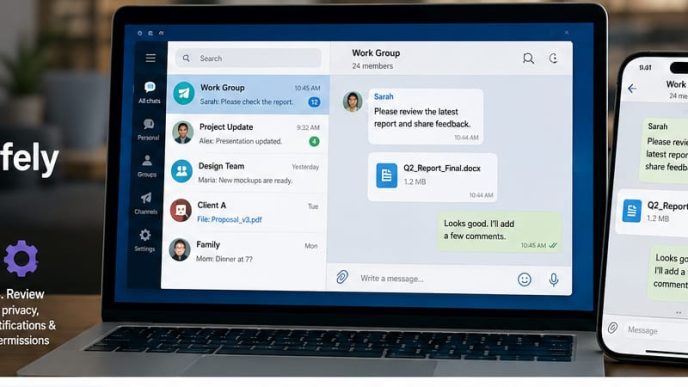
Instead of multiple emails for different versions of the same file, all team members can now help work on the same file or document.
Some collaboration tools use:
-
Common workspaces
-
Real-time editing
-
Comments
-
Version history
-
Permission settings
These improve communication across a team, especially one that is not located together.
Security is Not Compromised
While browser software is highly convenient, it is just as crucial to consider security.
Organizations should check for:
-
Data Encryption
-
Multi-factor Authentication
-
Access control
-
Privacy policies
-
Compliance certifications
-
Backup procedures
Good cybersecurity is vital, no matter where the software is running. Users should secure their own accounts by having unique passwords and using the most secure authentication available.
Artificial Intelligence
More and more Online Apps are integrating Artificial Intelligence into their Framework. The intention of most of this Artificial Intelligence isn’t to replace the user. The goal is to work alongside the user and allow them to work more efficiently.
Some examples of this technology are:
-
Summarization of Documents
-
Grammar Feedback
-
Enhanced Search and Image Functions
-
Speech to Text
-
Automation of Tasks
The more people use the technology, the easier it is for them to focus their efforts on more important and innovative projects. The technology is designed to eliminate more of the monotonous, repetitive tasks.
The Creativity is in the Cloud
The Creative Professional used to rely heavily on powerful and sophisticated applications installed on their Desktop Computers. As technology has improved, the applications used for online assistance for creative projects have become more powerful. Now, everything needed to do complicated multimedia tasks can be found in the browser.Some creative applications that are only found online even allow the user to do all the standard tasks of a Video Editor application without the need to install any other application on the desktop computer. Development of these applications prove that the focus of development is shifting from classical software to web-based applications.
Some Drawbacks
There are still some limits that the browser applications have.
Some of these are:
-
Reliance on Having Internet
-
Not all browsers are the same
-
Some applications have slower Performance for more Advanced Tasks
-
Concerns for Data Security
-
Limited Free Online Storage
For large and resource heavy tasks like Advanced 3D Rendering or Editing a high volume of video Resources on a computer, the need for Desktop Applications is still warranted. Improvements in Infrastructure for Cloud Solutions will continue to Improve and narrow these gaps.
Upcoming Technologies
There are also some technologies that are anticipated to further enhance the browser as Productivity Tools of the Future.
Some of These are:
A Faster Internet Infrastructure
New Generation Internet and Improved Broadband will result in Better Loading Times and Less Delays.
Edge Computing
Gathering data from users and processing it closer to the source has the potential for enhancing application performance while also decreasing latency.
Smarter Automation
Automation has the potential to enhance productivity by completing repetitive tasks.
Better Cross-Platform Integration
The integration of future applications will be more seamless with other non-target applications, thereby eliminating the need for clumsy manual data entry.
Preparing for the Future
Companies that want to prepare for the future by adopting more web-centered productivity applications need to consider more than the technology.
Things like the following are also important for successful adoption.
-
The workforce needs to be educated.
-
Safety procedures need to be established.
-
The software needs to be evaluated.
-
Data storage needs to be planned.
-
The workflows need to be refined.
-
The most successful integration combines technology with planning.
Conclusion
The adoption of more web-centered productivity applications has changed the way we do work by making productivity more collaborative and flexible. The more we work towards the advancement of cloud computing, artificial intelligence, and web technologies, the more we will be able to aid users in performing increasingly more complex tasks right from the browser.
While some desktop productivity applications are still needed for performing specific functions, work applications that are browser-based are crucial for digital productivity. The more we develop in the cloud, the more we will be able to assist people and businesses to be more productive.