Why AI Voiceovers Work Well for YouTube
YouTube content rewards consistency. If your tutorials, Shorts, explainers, reviews, or faceless videos rely on narration, AI voices help you publish more often without waiting for perfect recording conditions.- Tutorial channels can keep instructions clear and evenly paced.
- Product videos can use a steady narration style that sounds polished.
- Faceless creators can build a recognizable voice style without appearing on camera.
- Short-form editors can quickly test several hooks before choosing the best version.
Before You Generate: Prepare the Script
AI narration sounds better when the script is written for listening, not just reading. Use short sentences, mark natural pauses, and remove anything that feels heavy when spoken aloud.- Open with the main benefit or question the viewer cares about.
- Break long paragraphs into short spoken beats.
- Spell out unusual names or branded terms if pronunciation matters.
- Read the script silently once and remove repeated ideas before generating audio.
Best Use Cases for YouTube AI Voiceovers
- Faceless tutorial videos that need clean narration over screen recordings.
- Product explainers where a calm voice can guide the viewer through benefits.
- List videos, comparison clips, and countdowns that depend on pacing.
- Short videos where creators need several variations of the same hook.
How to Make an AI Voiceover for YouTube
Step 1: Add Your YouTube Script
Paste your narration into the voiceover workspace. Keep the script focused on one video idea, and separate sections with line breaks so the pacing is easier to control.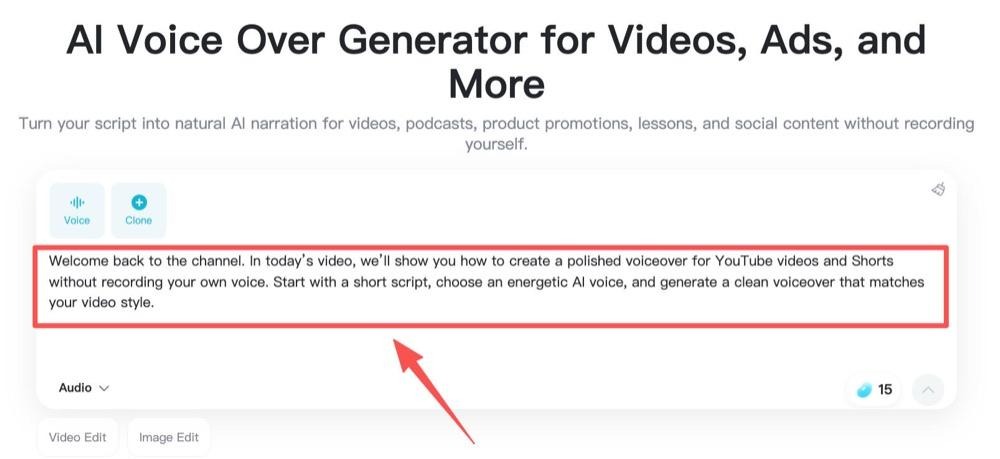
Step 2: Choose a Voice and Language
Pick a voice that matches the channel style. A tutorial may need a steady and friendly voice, while a Shorts hook may benefit from something faster and more energetic.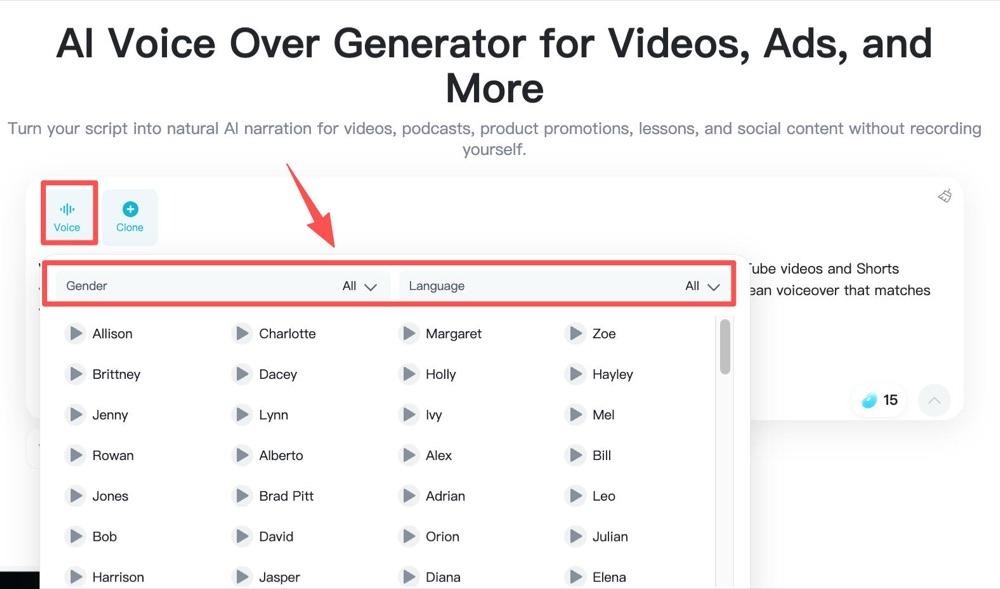
Step 3: Generate Your AI Voiceover
Create the first version and listen from the viewer’s point of view. Check pronunciation, pauses, emphasis, and whether the opening line feels strong enough.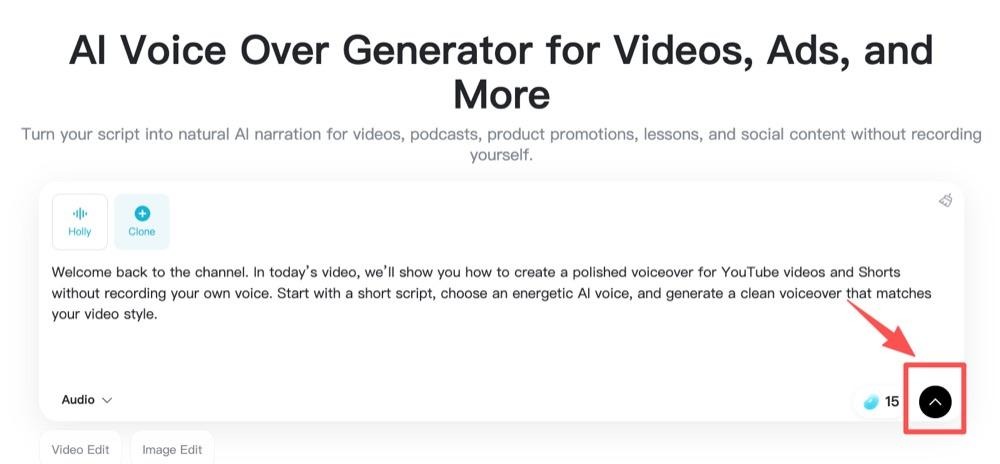
Step 4: Preview, Download, and Add It to Your Edit
Regenerate any weak lines, download the final audio, and place it into your video editor. Add captions or background music only after the narration timing feels right.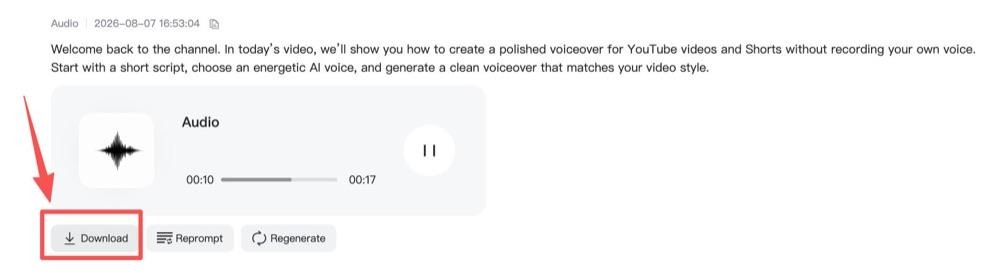
Tips for More Natural YouTube Narration
- Write in the same language your audience would use in comments or searches.
- Use punctuation to guide rhythm, but avoid stuffing the script with symbols.
- Regenerate individual sections instead of rewriting the whole video every time.
- Match voice energy to the edit speed, not only to the topic.