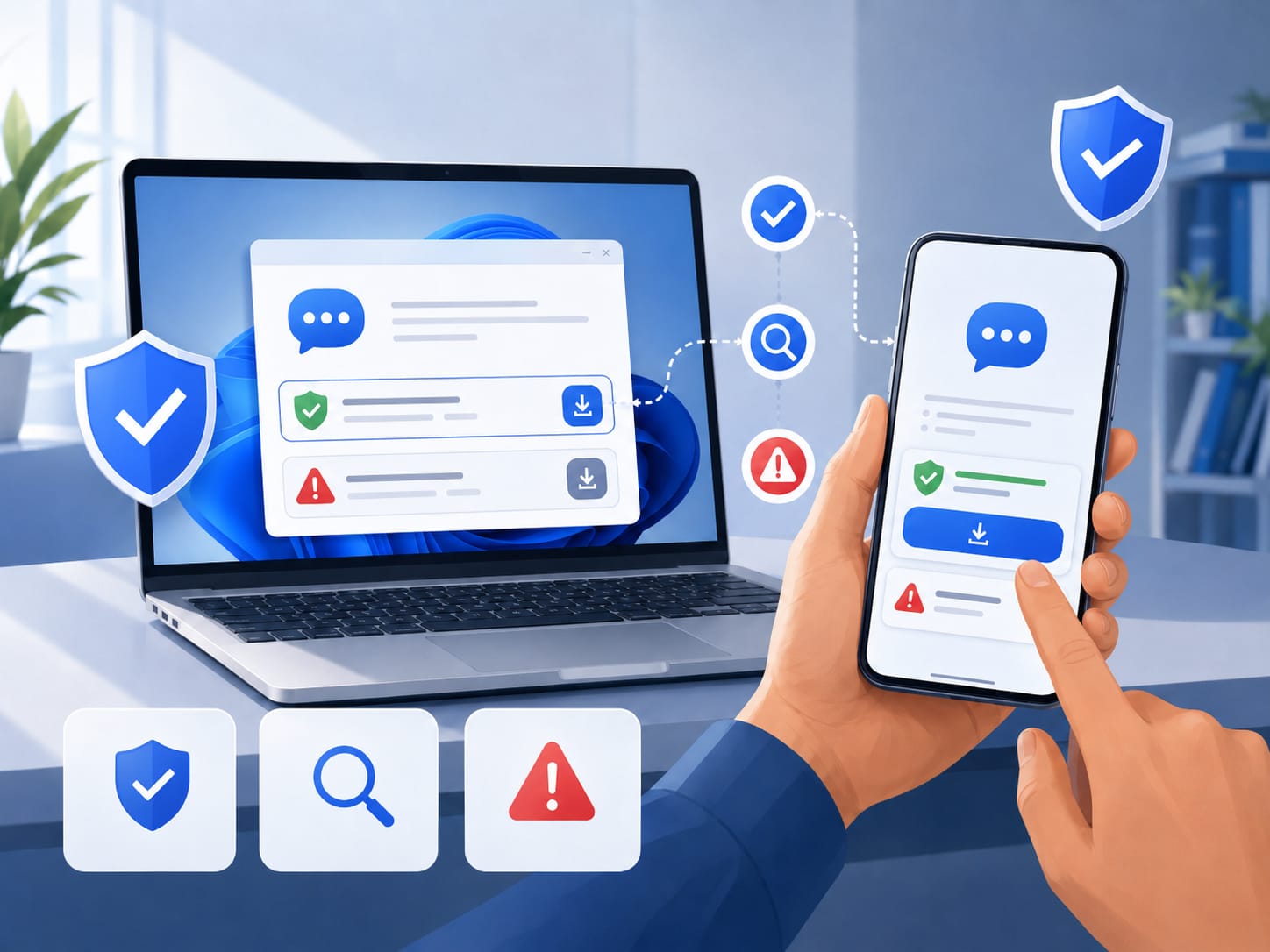
Messaging apps have become essential tools for personal communication, remote work, online communities, customer support, and team coordination. Many users now install the same communication tool across multiple devices, such as a Windows laptop, an Android phone, and sometimes a tablet. This cross-device habit makes messaging more convenient, but it also increases the importance of downloading apps from safe and reliable sources.
A messaging app often has access to contacts, notifications, files, media, and account information. If users install an app from an unsafe page, they may expose their device to modified installers, fake update prompts, bundled software, or privacy risks. Before installing any messaging tool, users should understand how to check the download source, review app permissions, and avoid suspicious installation pages.
Why Download Source Safety Matters
Many users search for messaging apps quickly and click the first download button they see. This is risky because not every page that appears in search results is a safe source. Some websites use aggressive advertisements, confusing download buttons, or repackaged installers that may include unrelated software.
For Windows users, the risk is often connected to executable setup files. A fake or modified installer may change browser settings, add unwanted programs, or create system performance problems. For Android users, the risk often comes from unofficial APK files. An APK from an unknown source may request unnecessary permissions or fail to receive proper updates.
Because messaging apps are closely tied to personal and work communication, users should be more careful with them than with ordinary utilities. A safe installation process helps protect accounts, devices, and conversations.
Common Risks of Third-Party Download Pages
Third-party download pages are not always dangerous, but users should treat them carefully. Some pages provide old versions of apps, while others add their own download managers. A page may also display several large buttons, making it unclear which one actually downloads the app.
Another common risk is the fake update message. A user may visit a page that claims the browser, media player, or phone system needs an urgent update before downloading the app. These warnings are often misleading. Reliable software pages usually provide clear download instructions without forcing unrelated updates.
Users should also avoid pages that redirect through multiple websites before the download starts. Multiple redirects make it harder to know where the file came from and whether it has been modified.
How to Identify a Safer App Download Source
Before installing a messaging tool, users should review several basic signals. These checks do not require advanced technical skills, but they can reduce common risks.
Check the website domain
The domain name should look clear, consistent, and relevant to the app or service. Users should be cautious with websites that imitate brand names, add unnecessary words, or use strange spelling. A misleading domain may be designed to attract search traffic rather than provide a safe installation experience.
Users who are searching for messaging tools should verify the source carefully before installation, especially when looking for options such as potato下载 on Android or desktop devices.
Review the download button and file name
A safe download page should make it clear what file users are downloading. On Windows, the file name should be related to the application. On Android, users should pay attention to APK file details, version information, and whether installation from unknown sources is required.
If a page shows several download buttons with different labels, users should slow down and inspect the page. Some buttons may be advertisements rather than the actual app download. A clean and consistent page is usually easier to trust than one filled with pop-ups and misleading banners.
Avoid installers with unrelated software bundles
During installation, users should read each step carefully. If the installer asks to add unrelated programs, browser extensions, search tools, or system cleaners, it may not be the best source. Messaging apps should not require unrelated software to function.
Windows users should avoid clicking through installation screens too quickly. Android users should review permissions before opening the app for the first time. If a messaging app requests access that does not match its function, users should reconsider the installation.
Device-Specific Safety Tips for Windows
Windows users should be careful with executable files from unknown sources. Before running a setup file, check where it was downloaded from, inspect the file name, and scan it with built-in security tools when necessary. Users should also keep Windows updated because system updates often include important security improvements.
It is also useful to create a habit of downloading apps through verified channels whenever possible. This helps ensure that future updates come from a stable source. For work devices, users should avoid installing messaging tools without checking company policies or administrator requirements.
Device-Specific Safety Tips for Android
Android users should pay close attention to APK installation settings. Installing apps from outside official or verified sources can be useful in some cases, but it also increases responsibility. Users should check the file source, app version, requested permissions, and update process.
If an app requires permissions such as contacts, storage, microphone, or camera, users should understand why those permissions are needed. Messaging tools often need some of these permissions, but the request should still match the app’s core function.
After installation, users should review privacy settings inside the app. This may include profile visibility, notification previews, account recovery options, and device session management.
Account Security After Installation
Downloading from a safer source is only the first step. Users should also secure their messaging accounts after installation. A strong password, two-step verification, and careful device management can help protect communication accounts from unauthorized access.
Many messaging apps allow users to see active sessions or connected devices. This feature is useful for identifying unknown logins. Users who install messaging tools across multiple devices should review active sessions regularly and remove devices they no longer use.
Building Better Communication Habits
Safe installation habits are part of a broader digital routine. Users should avoid sharing verification codes, be cautious with unknown links, and keep apps updated through reliable channels. They should also back up important information only through trusted methods and avoid sending sensitive files through unverified accounts.
For teams, it is helpful to define which messaging tools are approved for work communication. This prevents confusion and reduces the risk of team members using unsafe versions of the same app.
Final Thoughts
Messaging tools are convenient because they connect people across devices and locations. However, that convenience should not come at the cost of security. Before installing any messaging app on Windows or Android, users should check the download source, review the file details, avoid bundled installers, and manage app permissions carefully.
A safe installation process does not take long, but it can prevent device problems, account risks, and privacy issues. Whether users are setting up a messaging tool for personal use, team communication, or customer support, verifying the source should always be the first step.