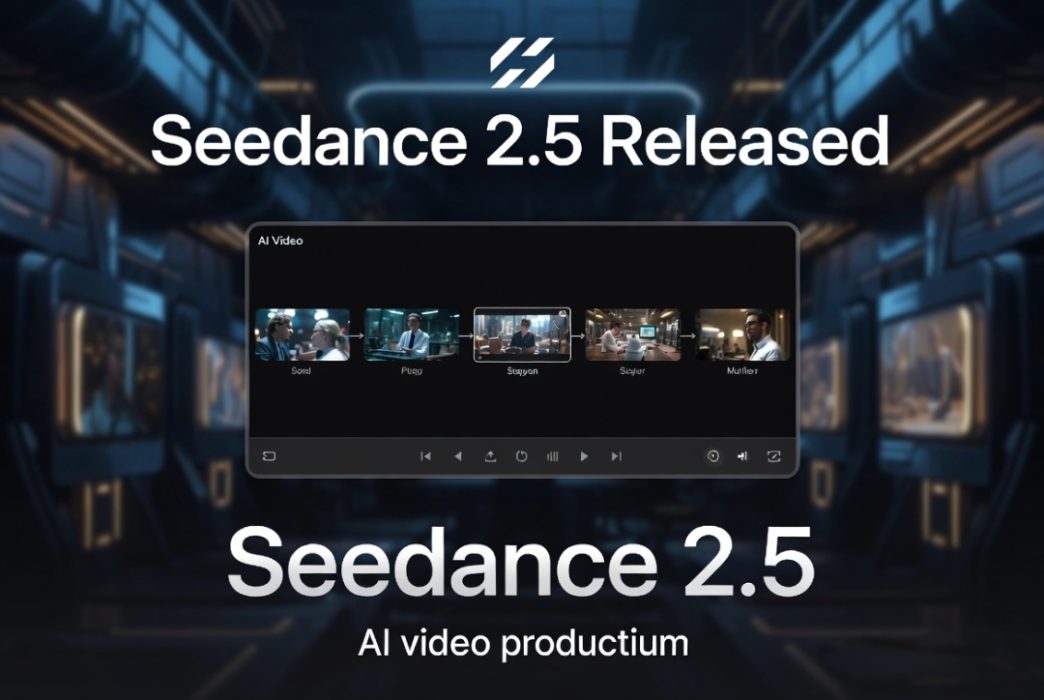
Artificial intelligence has transformed video creation, allowing creators to produce high-quality content in minutes instead of days. Among the latest advancements, seedance 2.5 has gained attention for its ability to generate smoother motion, more realistic visuals, and stronger prompt adherence.
However, using a powerful AI model is only part of the equation. The overall experience depends heavily on the platform that provides access to it. A platform’s interface, editing capabilities, collaboration tools, and export options can significantly influence how efficiently creators move from an idea to a finished video.
This guide explores the qualities that define the best seedance 2.5 experience and the factors to consider when selecting a platform.
Why User Experience Matters
Even the most advanced AI model can feel difficult to use if the surrounding platform is poorly designed.
An excellent platform should make every step of the creative process straightforward, including:
- Writing prompts
- Generating videos
- Managing projects
- Editing scenes
- Exporting final content
- Sharing work with collaborators
A smooth workflow enables creators to focus on creativity instead of technical challenges.
Characteristics of a Great Seedance 2.5 Platform
Intuitive Design
The best platforms prioritize simplicity without sacrificing functionality.
Users should be able to generate videos, organize assets, and edit projects without navigating complicated menus or lengthy setup processes.
Whether you’re a beginner or an experienced creator, an intuitive interface can significantly improve productivity.
High-Quality AI Video Generation
One of the primary reasons creators choose seedance 2.5 is its ability to generate visually impressive content.
A platform should allow the model to perform at its full potential by supporting:
- Detailed prompts
- Consistent character appearance
- Smooth animation
- Realistic lighting
- Natural camera movement
- High-resolution exports
Reliable performance leads to fewer revisions and a more efficient workflow.
Built-In Editing Tools
AI-generated videos often require final adjustments before publication.
Platforms that include editing tools eliminate the need to switch between multiple applications.
Useful editing features include:
- Timeline editing
- Scene trimming
- Text overlays
- Background music
- Voice narration
- Logo placement
- Subtitle generation
These capabilities help creators produce polished videos more efficiently.
Collaboration for Teams
Many AI video projects involve more than one person.
Marketing teams, agencies, and businesses benefit from collaborative features such as:
- Shared workspaces
- Team permissions
- Cloud storage
- Version history
- Project comments
These tools simplify communication and streamline production.
Supporting Different Creative Needs
The ideal platform should accommodate a wide range of users.
Content Creators
Social media creators often prioritize speed and flexibility for producing engaging videos across multiple platforms.
Businesses
Organizations use AI-generated videos for product launches, customer onboarding, internal communications, and promotional campaigns.
Educators
Teachers and online instructors can transform lessons into engaging visual content using AI-powered video generation.
Agencies
Creative agencies benefit from scalable workflows that allow them to manage multiple client projects simultaneously.
Seedance 2.5 for Explainer Videos
Educational and instructional videos remain one of the most valuable applications of AI video generation.
Businesses frequently create:
- Product demonstrations
- Software tutorials
- Customer onboarding videos
- Internal training materials
- Educational presentations
When combined with a capable explainer video maker, seedance 2.5 enables creators to generate engaging visuals while simplifying the overall production process.
This combination reduces production time without compromising quality.
Performance and Reliability
Consistency is an important factor when evaluating any AI platform.
Reliable platforms should provide:
- Stable rendering
- Predictable outputs
- Minimal generation errors
- Fast processing
- Secure cloud storage
These features become increasingly valuable for creators producing content regularly.
Scalability for Growing Workflows
Many creators begin with a few experimental videos before expanding into larger content strategies.
Choosing a scalable platform allows you to:
- Manage larger libraries
- Produce videos more frequently
- Collaborate with growing teams
- Maintain organized projects
- Handle commercial workloads
A platform that scales with your needs offers better long-term value.
Pricing Considerations
Every creator has different budget requirements.
Common pricing models include:
- Free plans
- Monthly subscriptions
- Usage-based credits
- Professional plans
- Enterprise solutions
Rather than focusing solely on price, consider the overall value provided by the platform’s features and workflow.
How to Choose the Best Platform
Before making a decision, evaluate each platform using the following questions:
- Is the interface easy to learn?
- Does it support seedance 2.5 effectively?
- Are editing tools included?
- Can teams collaborate easily?
- Does it provide flexible export options?
- Is the pricing appropriate for your usage?
- Can it support projects created with an explainer video maker?
These considerations help ensure the platform aligns with your creative goals.
The Future of AI Video Creation
AI video technology continues to advance rapidly. As models become more capable, platforms will increasingly differentiate themselves through workflow improvements, editing capabilities, and collaboration features rather than model access alone.
Creators who choose platforms with comprehensive ecosystems will be better positioned to adapt as new AI capabilities emerge.
Conclusion
The best seedance 2.5 experience comes from a platform that combines advanced AI video generation with practical production tools. While visual quality is important, factors such as ease of use, editing functionality, collaboration, scalability, and export flexibility play an equally significant role in everyday workflows.
Whether you’re producing marketing campaigns, educational materials, social media content, or professional presentations, selecting the right platform will help you take full advantage of seedance 2.5. If your workflow includes tutorials, product walkthroughs, or educational content, choosing a platform that integrates well with an explainer video maker can further streamline production and improve efficiency.
Frequently Asked Questions
What makes a platform ideal for seedance 2.5?
The best platforms combine reliable AI video generation with intuitive design, editing tools, collaboration features, and flexible export options.
Is seedance 2.5 suitable for professional projects?
Yes. It can be used for marketing, advertising, education, product demonstrations, creative storytelling, and commercial video production.
Do I need video editing experience?
Not necessarily. Many modern platforms are designed for users with little or no editing experience while still offering advanced tools for professionals.
Can seedance 2.5 be used with an explainer video maker?
Yes. Many creators use seedance 2.5 alongside an explainer video maker to create tutorials, onboarding videos, educational content, and product explainers with greater efficiency.