As your business expands the volume of digital information your team creates grows rapidly. As the number of employees increases, there is a need for smooth cooperation between several departments and projects. Cloud platforms provide the perfect collaborative environment for fast growth. But if not properly managed, these common digital areas quickly turn into chaos. When files are scattered around, it can be hard to locate them. With smart management strategies, your expanding team remains productive and organized all the time.
Establish Clear Access Permissions
The first step to a tidy digital work area is to manage who can see and edit individual documents. A company expands and it is dangerous to give each employee access to all of the corporate folders. This may result in files being lost and data being compromised. Access permissions need to be very specific depending upon the role of each employee and the requirements of their department. Restricting access makes it possible to guarantee that delicate money related data and individual HR records are completely protected. Effective permission management ensures your digital world is secure and your employees have access to the correct files.
Utilize Smart Organization Tools
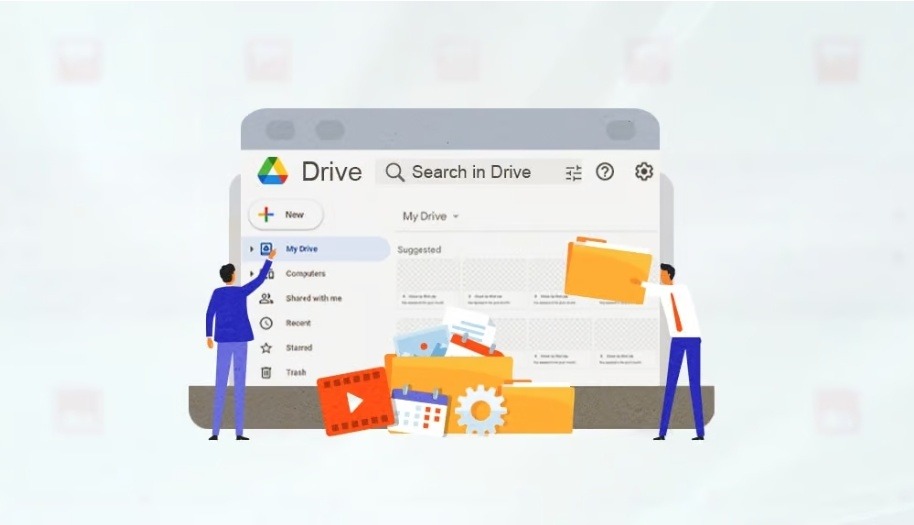
For a digital team that’s busy, manually managing a large corporate cloud account is nearly impossible. If you have thousands of files, you need to have a specific software to keep them in order. Specialized optimization applications can play a significant role in enhancing a business’s digital processes. For example teams can utilize their shared drive organizer to easily analyze massive storage usage and browse huge folders by size. These clever programs can easily find out duplicate files and enormous lost videos that consume the free space you have. Using these powerful digital tools automates the organizational process and instantly frees up valuable space without requiring tedious manual sorting.
Create Standard Naming Conventions
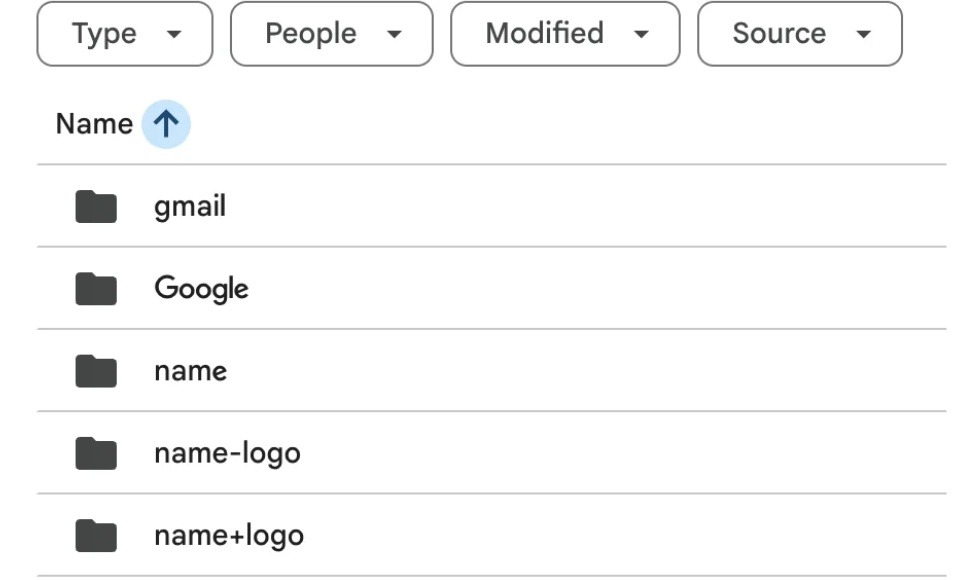
If each individual file has a generic and confusing name, it will be completely impossible to search for a specific client contract. Unspecific document titles provide no information whatsoever to your colleagues on the content of the document. When standard naming conventions are in place, it is easy for everyone to recognize important files without having to open them first. The best file name is always to have the current date, the project title, and very short description of what is in the file. Normal formatting maintains daily files in a natural, perfect chronological order, every day. This daily routine can make a huge difference in total employee search time today.
Perform Regular Storage Cleanups
While a flawless folder system and well established rules of folder names may be established, you will still end up with junk files in the long run. It consumes storage space at a remarkably fast rate to store multiple copies of the same exact presentation. When your corporate account is full, you cause undue stress and end up losing a day of work. Create a team rule that the biggest files are reviewed monthly and considered for ongoing projects as necessary. Emptying your digital trash bin regularly is also critically important because deleted files still consume your precious storage quota until they are permanently erased forever.
Conclusion
Your growing team doesn’t need to deal with overwhelming and stressful management of large sets of digital files. You create a logical folder structure and adhere to standard naming conventions and have a perfectly organised daily workspace. Consistent proactive maintenance and utilizing smart optimization tools guarantee that your digital environment remains highly efficient. With good daily maintenance, your critical business records are secure and readily available now.