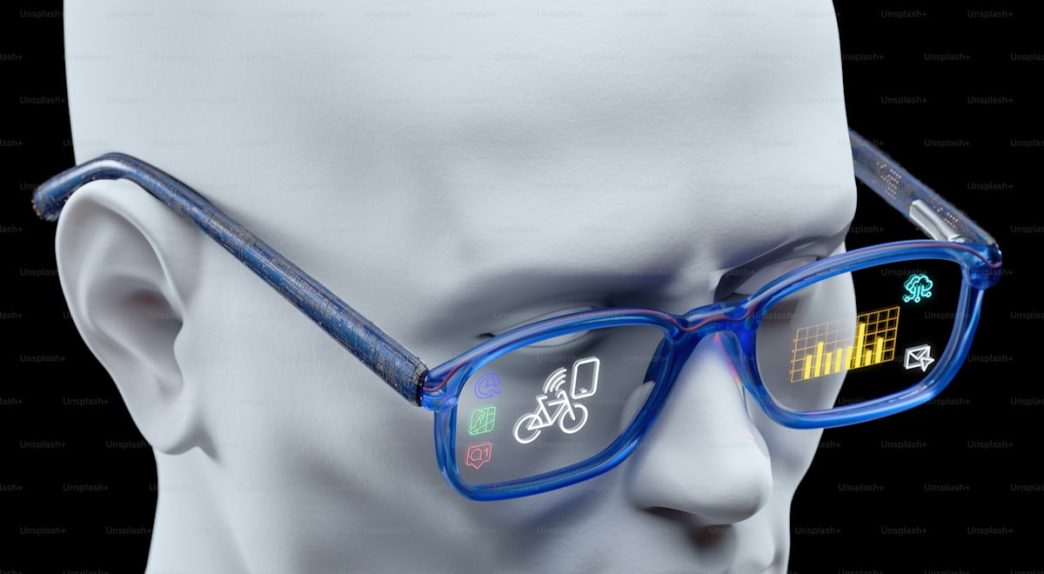
AR smart glasses have moved from trade-show demos to real products people wear on planes, at desks, and on morning commutes. The category grew fast, and 2026 models now deliver specs that rival dedicated monitors.
Yet the terminology remains confusing. Augmented reality smart glasses, display glasses, XR glasses, and AI glasses all describe different hardware with different strengths. First-time buyers face a cluttered market.
This FAQ breaks down what matters, what to skip, and which specs justify the price for someone buying their first pair.
What Counts as AR Glasses in 2026?
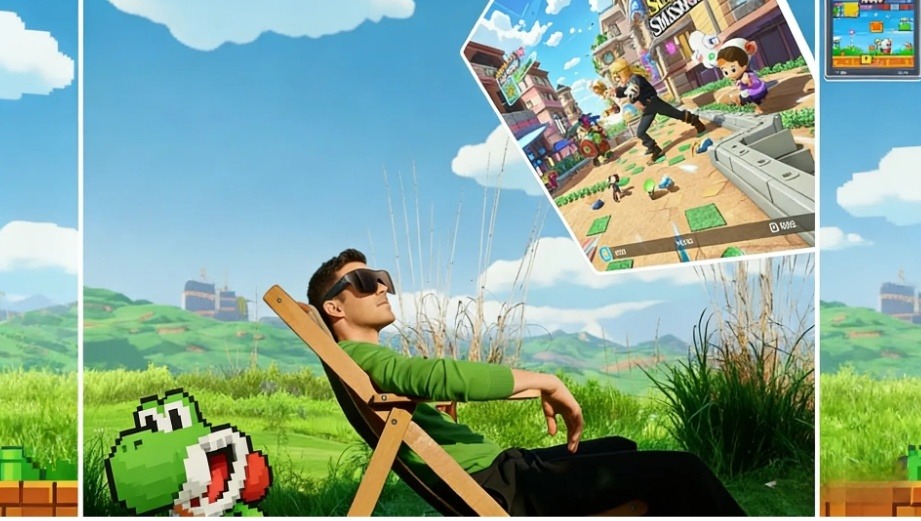
The term covers several overlapping categories today. Display-based AR smart glasses project a virtual screen in front of your eyes using Micro-OLED or Micro-LED panels. They plug into a phone, laptop, or console via USB-C.
Display-free AI camera glasses like Ray-Ban Meta focus on voice assistants, cameras, and audio without a visual display. Transparent-display AI glasses like RayNeo X3 Pro add real-time subtitles, navigation, and visual overlays through a waveguide.
The distinction matters because each type solves a different problem. Buying augmented reality smart glasses without understanding these differences leads to mismatched expectations. Display-based AR smart glasses handle entertainment and gaming. Transparent-display AI models serve travelers and professionals.
Which Specs Matter Most?
Not every number on a spec sheet affects daily use equally. These four factors separate a capable pair of AR smart glasses from an expensive letdown. Prioritize display quality first, then work down the list.
Display Type
Micro-OLED panels dominate the display-glasses segment. They produce deep blacks, wide color gamuts, and contrast ratios that LCD panels cannot match. The RayNeo Air 4 Pro uses a SeeYa 0.6-inch Micro-OLED rated at 200,000:1 contrast and 98% DCI-P3 coverage. XREAL’s 1S uses Sony Micro-OLED at 1200p per eye.
HDR Support
HDR10 improves contrast and color depth when the source device and content support it. Its 10-bit color pipeline yields over one billion displayable colors and preserves shadow detail. RayNeo positions the Air 4 Pro as the world’s first HDR10 AR smart glasses display, powered by its Vision 4000 chip co-developed with Pixelworks.
Refresh Rate
A 120Hz refresh rate matters for gaming. It cuts motion blur in fast-paced titles on Steam Deck and ROG Ally. For movie streaming and productivity, 60Hz is sufficient. Most current augmented reality smart glasses in the display category support adaptive 60Hz/120Hz switching.
Weight and Audio
Comfort depends on weight distribution, not just total grams. The Air 4 Pro weighs 76g with a near-even 46.7:53.3 balance ratio. The XREAL 1S sits at 82g. The Viture Pro XR hits 77g. RayNeo partners with Bang & Olufsen for quad-speaker tuning. XREAL taps Bose. Viture uses Harman.
How Do the Leading Models Compare?
For first-time buyers focused on movies, handheld gaming, and price-to-display value, these three mainstream AR smart glasses models under $500 form the most relevant comparison set. All share USB-C connectivity and at least 1080p resolution per eye.
| Spec | RayNeo Air 4 Pro | XREAL 1S | Viture Pro XR |
|---|---|---|---|
| Price | $299 | $449 | $459 |
| Display | Micro-OLED, 1080p/eye | Sony Micro-OLED, 1200p/eye | Micro-OLED, 1080p/eye |
| HDR10 | √ | × | × |
| Refresh Rate | 120Hz | 120Hz | 120Hz |
| Weight | 76g | 82g | 77g |
| Audio | B&O quad-speaker | Bose speakers | Harman spatial |
| Virtual Screen* | 201 inches | 500 inches | 135 inches |
| Myopia Support | Up to −10.00 D | Prescription inserts | Built-in diopter dials |
*Virtual screen size depends on assumed viewing distance and display mode; compare FOV and perceived clarity together.
Best Value for Display Quality
For first-time buyers exploring augmented reality smart glasses, the RayNeo Air 4 Pro bundles HDR10, B&O-tuned audio, and TÜV-certified eye protection at $299. Among mainstream models checked here, that combination at this price is its clearest differentiator. It is not standalone and depends on a USB-C DisplayPort source.
Biggest Screen Experience
The XREAL 1S projects up to a 500-inch equivalent screen with a 52-degree field of view. It targets users who prioritize maximum immersion over portability. The trade-off is a higher price, heavier frame, and no built-in diopter adjustment.
Best for Travel Productivity
The Viture Pro XR includes built-in myopia dials and electrochromic dimming that adjusts light blocking on the fly. It supports multi-display layouts for remote work. The $459 price and the need for a $129 dock to connect a Nintendo Switch raise the total cost above alternatives.
What Can You Actually Do with Them?
AR smart glasses sound futuristic, but most owners rely on them for three tasks that map directly to existing screen habits. Each one replaces bulky traditional hardware rather than demanding you learn a new workflow:
- Watching movies and streaming shows on a massive virtual screen.
- Playing console and handheld games without a TV.
- Accessing AI translation or navigation overlays in real time.
Private Cinema on the Go
Display-based augmented reality smart glasses turn any seat into a personal theater. The Air 4 Pro delivers a 201-inch virtual screen with HDR10 and 360-degree spatial audio. Plug into an iPhone 15 or later via USB-C, open Netflix or Disney+, and content fills your view without app installation.
Console and Handheld Gaming
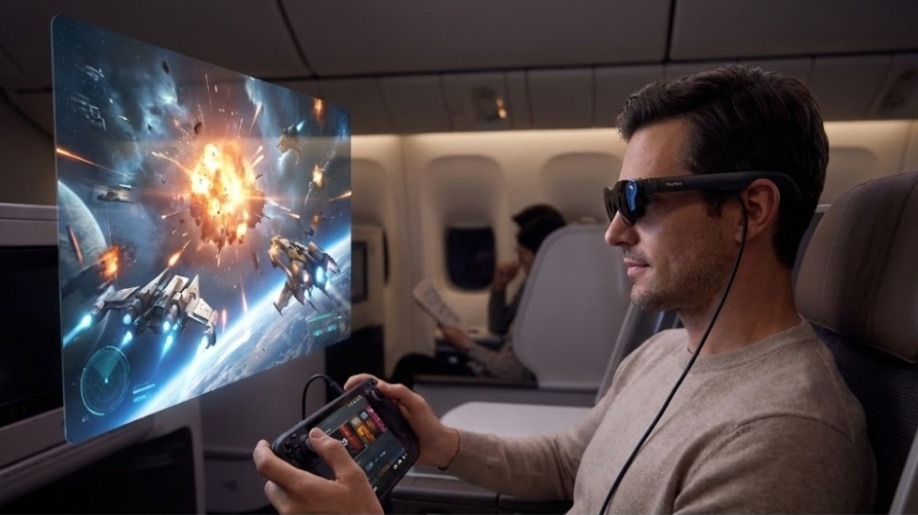
Steam Deck and ROG Ally output video over USB-C directly. Switch 2 may require a compatible dock or adapter depending on the glasses. AR smart glasses replace a TV for portable gaming sessions, and the 120Hz refresh rate keeps fast-paced titles smooth.
AI Translation and Navigation
Transparent-display augmented reality smart glasses like the RayNeo X3 Pro overlay live translation subtitles and turn-by-turn navigation onto the real world. The X3 Pro runs Google Gemini for multimodal queries, identifying objects through its 12MP camera and displaying answers using RayNeo’s waveguide display system at up to 6,000 nits.
Practical Concerns Before You Buy
Two questions surface in nearly every beginner thread on Reddit and in AR enthusiast forums. Both concerns have data-backed answers that deserve attention before you commit to a purchase. Here is what the current evidence shows.
Are AR Smart Glasses Safe for Your Eyes?
Current evidence points more to temporary eye strain than proven permanent damage, but long-term research remains limited. A University Medical Center Hamburg-Eppendorf study noted symptoms like fatigue and dry eyes, consistent with Computer Vision Syndrome from any screen. When shopping, check for these safety indicators:
- TÜV SÜD certification for low blue light and flicker-free operation.
- High-frequency PWM dimming at 3840Hz or above.
- Adjustable brightness to match ambient lighting conditions.
The RayNeo Air 4 Pro meets all three benchmarks.
Do They Work with Prescription Lenses?
Most display-based augmented reality smart glasses support magnetic prescription inserts. The Air 4 Pro accommodates up to −10.00 D myopia, +8.00 D hyperopia, and 2.00 D astigmatism. The XREAL 1S requires separate purchases with no built-in diopter adjustment. The Viture Pro XR offers integrated dials covering a narrower correction range.
What Comes Next for This Category?
Apple and Samsung are expected to push further into smart or AI glasses, but their first products may not be full display-based AR models. For buyers right now, the more immediate choice remains between wearable display glasses and camera-first AI glasses.
Augmented reality smart glasses in both camps will likely gain brighter Micro-LED panels and deeper AI integration over the next twelve months. The category is maturing fast, and 2026 remains a strong entry point for first-time buyers.