AI image generation is now used for advertising, product launches, social media, presentations, and branded content. One model rarely handles every task equally well. A project may require readable text, accurate references, fast variations, detailed editing, or a distinctive style.
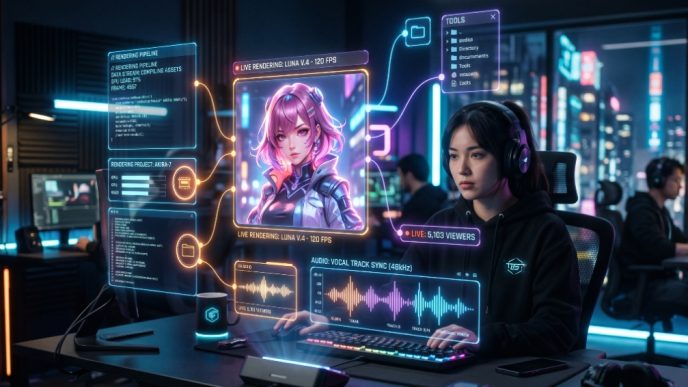
Renoise AI brings multiple image models into one Canvas-based workspace. Teams can keep prompts, references, generations, and approved assets together while switching models according to the brief. One Renoise subscription provides access to supported models for different production stages.
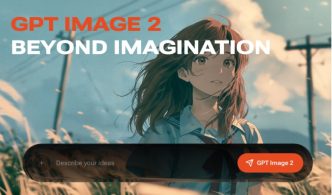
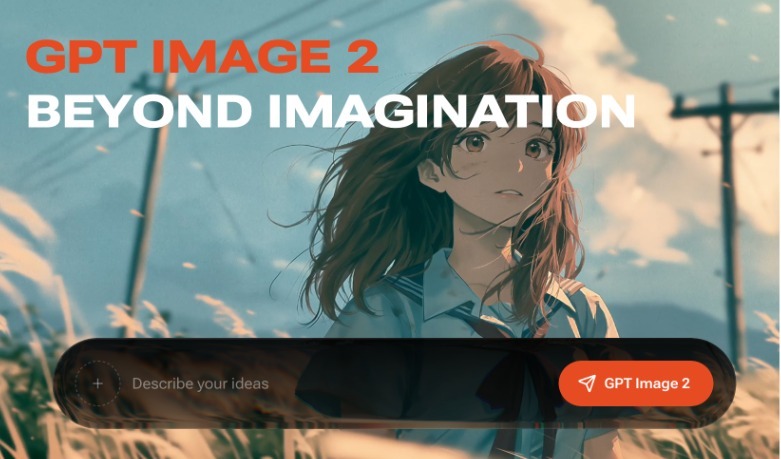
Within this workflow, GPT Image 2 is useful for reference-led generation, image editing, structured layouts, and projects that require text inside the visual.
Why Renoise Uses Multiple Image Models
Different models interpret prompts, references, typography, lighting, and style differently. A faster model may suit early exploration, while a more controlled model may be better for a final campaign asset.
Renoise supports GPT Image 2 alongside Nano Banana Pro, Nano Banana 2, Seedream, Midjourney, and Grok Imagine models. These remain products of their respective developers; Renoise provides the shared Canvas where outputs can be created, compared, and refined.
If an output misses the brief, its prompt and references do not need to be rebuilt elsewhere. A different model can be tested inside the same project.
Where GPT Image 2 Fits
The OpenAI GPT Image model supports generation and editing. In Renoise, GPT Image 2 can work with multiple references, making it useful for combining product photography, packaging, brand colors, backgrounds, and composition examples.
It also supports AI text in images for posters, product graphics, presentation covers, and advertisements. Generated wording still requires review, especially when it contains prices, dates, product claims, or legal copy.
Image inpainting AI provides targeted corrections without regenerating an approved composition. It can remove an object, replace a prop, adjust a color, or extend part of the background.
A Practical Campaign Workflow in Renoise
Begin With a Clear Brief
The project should begin with the asset’s purpose, audience, publishing channel, style, composition, aspect ratio, and required wording. Product details that must remain accurate should be separated from areas where the model has creative freedom.
Add Focused References
Product and brand materials can be placed on the Renoise Canvas. A product photograph may guide packaging, while another reference communicates lighting or background style. A small, focused reference set usually provides clearer direction than many unrelated images.
Generate the Main Visual
GPT Image 2 can combine the brief with reference materials to produce campaign options. Variations can be reviewed for product accuracy, visual hierarchy, text quality, and suitability for their intended placement.
Once a useful direction is selected, later prompts should focus on specific corrections rather than restarting the concept. This keeps revisions controlled and easier to compare.
Switch Models When the Task Changes
GPT Image 2 does not need to handle every stage. Nano Banana Pro may suit complex instructions, while Nano Banana 2 can support faster ideation. Midjourney offers another route for style exploration, with Seedream and Grok Imagine expanding the available choices.
The advantage is not that one model replaces every alternative. Renoise allows the model to change while the project, references, and previous outputs remain on the same Canvas.
Review the Final Asset
Before publication, the image should be checked for typography, product details, logos, factual accuracy, and unintended artifacts. Teams should also confirm that reference materials can be used commercially.
AI accelerates generation and editing, while designers and marketers remain responsible for final approval.
One Subscription, a More Flexible Operation
Separate AI platforms can fragment billing, credit systems, interfaces, and asset histories. Renoise places supported models in one subscription structure and production environment.
A team can use GPT Image 2 for reference-heavy work, Nano Banana for another task, and a different model for style exploration without maintaining a separate workflow for every assignment. Prompts, references, variations, and approved results also remain easier to organize.
Extending Images Into Video
Renoise applies the same multi-model approach to motion content. Its AI video generator supports models including Seedance, Kling, Grok video models, and HappyHorse.
An approved campaign image can become the starting frame for a product reveal, advertisement, or social clip. The project can move from still-image production into video without rebuilding its visual direction elsewhere.
Final Thoughts
GPT Image 2 adds useful reference, text, generation, and editing capabilities to Renoise, but it is most valuable as part of a broader model-selection workflow. Renoise keeps several image models, project references, generated options, and revisions together on one Canvas.
By combining multiple models under one subscription, Renoise allows teams to choose tools according to the assignment rather than forcing every brief through the same generator. Its video-model support then provides a practical route from approved still images to motion content.
Frequently Asked Questions
What is GPT Image 2?
GPT Image 2 is an OpenAI model for generating and editing visuals from text and image inputs. In Renoise, it supports reference-based production, typography, variations, and targeted edits.
How does Renoise support GPT Image 2?
Renoise makes GPT Image 2 available on its Canvas. Teams can combine prompts and references, compare options, refine selected images, and keep assets within one project.
What is image inpainting AI?
Image inpainting AI edits a selected region without replacing the whole composition. It can remove objects, replace details, adjust colors, extend backgrounds, or correct localized problems.
Does Renoise only support OpenAI image models?
No. Renoise also supports models from Google, Midjourney, ByteDance, and xAI, providing options for references, typography, speed, resolution, editing, and visual style.