Updated May 2026
The best Speechify alternatives include BeFreed for personalized audio learning, NaturalReader for straightforward text-to-speech, Murf AI for voiceovers, ElevenLabs for realistic voice generation, and Voice Dream Reader for offline reading support. Which one fits best depends on whether you want to listen passively, study actively, or create audio content.
Speechify is still one of the most recognizable text-to-speech apps, but it is no longer the obvious default for everyone. In practice, many users are not just trying to hear text read aloud. They are trying to get through PDFs faster, learn on the go, reduce screen time, or turn dense material into something they can actually finish.
That difference matters. When we evaluated these tools in May 2026 on iPhone, Android, Chrome, and desktop web, the biggest gap was not voice quality alone. It was what happens after the audio starts: can you stay engaged, retain the ideas, and fit the experience into real life?
Research on AI-assisted audio learning suggests short audio modules can improve motivation and reading engagement, with especially strong effects for learners with more ADHD symptoms. Retrieval-practice research also continues to support active recall tools such as flashcards and review loops for long-term retention.
What is a Speechify alternative?
A Speechify alternative is any app or platform that helps you turn written content into audio, but different tools solve different versions of that problem.
Some alternatives are close substitutes. They read PDFs, web pages, Google Docs, and articles aloud with adjustable speed and voice options. Others go beyond basic TTS and focus on learning, summarization, voiceover production, or podcast-style generation.
That is why this keyword is broader than it looks. A student with dyslexia, a commuter trying to learn faster, and a YouTube creator making voiceovers may all search for “Speechify alternatives,” but they do not need the same product.
Key Insight: The real choice is not “Which app reads text?” but “What do you want the audio to do for you?”
Why are people looking for Speechify alternatives?
Most people look for Speechify alternatives because they want a better fit for their goal, budget, or workflow.
In our tests, there were four common reasons:
- They want cheaper or free options
- They want more natural or editable voices
- They want better offline or accessibility support
- They want learning features, not just word-for-word narration
Speechify still offers a free tier and promotes premium features like faster playback, OCR, and higher-quality voices, while official pricing materials and product pages continue to point users toward a premium plan around $139/year, plus other plans in some product lines, as of May 2026.
For some users, that is reasonable. For others, it feels expensive if all they need is basic reading support. For learning-focused users, the bigger issue is that hearing long-form text read aloud is still a linear experience. It does not automatically make the material easier to understand, remember, or finish.
Research on listening effort and cognitive load also suggests that audio alone is not automatically easy. Poor design or hard-to-process speech can increase effort instead of reducing it.
Key Insight: People rarely leave Speechify because “text-to-speech is bad.” They leave because they want a different outcome from audio.
How to choose a Speechify alternative?
You should choose a Speechify alternative based on your end goal first, then on voice quality, platforms, and price.
A simple decision framework:
- Choose BeFreed if you want to turn books, papers, and topics into structured audio lessons for actual learning.
- Choose NaturalReader if you want a more traditional read-aloud tool for documents and web content.
- Choose Murf AI if you create videos, training materials, or polished voiceovers.
- Choose ElevenLabs if you care most about expressive AI voice generation or voice cloning.
- Choose Voice Dream Reader if you want strong mobile reading support and offline access.
- Choose Balabolka if you are on Windows and want a free offline utility.
For user types:
- Students: Voice Dream Reader, NaturalReader, BeFreed
- Busy professionals: BeFreed, NaturalReader
- Creators and marketers: Murf AI, ElevenLabs, PlayHT
- Budget users: Balabolka, free tiers from NaturalReader or ElevenLabs
- Accessibility-first users: Voice Dream Reader, NaturalReader
Key Insight: The right tool depends less on brand popularity and more on whether you need accessibility, creation, or learning.
What are the best free vs paid Speechify alternatives?
The best free Speechify alternatives are usually good for basic listening, while the best paid alternatives offer stronger voices, more formats, or specialized workflows.
Here is the quick version:
| Type | Best Options | What You Get |
| Free | Balabolka, NaturalReader free tier, ElevenLabs free tier | Basic reading or voice generation |
| Low-cost paid | Voice Dream Reader, Murf Creator | Better control and more usable voices |
| Premium paid | BeFreed, ElevenLabs paid, Murf Business | Higher personalization or production quality |
Free tools are usually enough if you only want to hear a document aloud. Paid tools make more sense when you need one of these:
- higher-quality voices
- commercial usage rights
- voice cloning
- podcast-style output
- interactive learning features
- cross-device workflows
That is where BeFreed stands out. It is not the cheapest route to text-to-speech. It is better for the user who wants to turn scattered information into a guided audio learning system instead of a simple reader.
Key Insight: Free tools help you listen. Paid tools help you listen with a purpose.
Top 9 Speechify alternatives in 2026
We tested these tools in May 2026 across iPhone, Android, Chrome, and desktop web. We looked at voice quality, upload flexibility, personalization, editing, learning support, offline access, and pricing clarity. Competitor facts below are based on official product pages as of May 2026.
1. BeFreed (best for personalized audio learning)
BeFreed is the most interesting option in this category if your real goal is not just hearing text, but learning more effectively through audio.
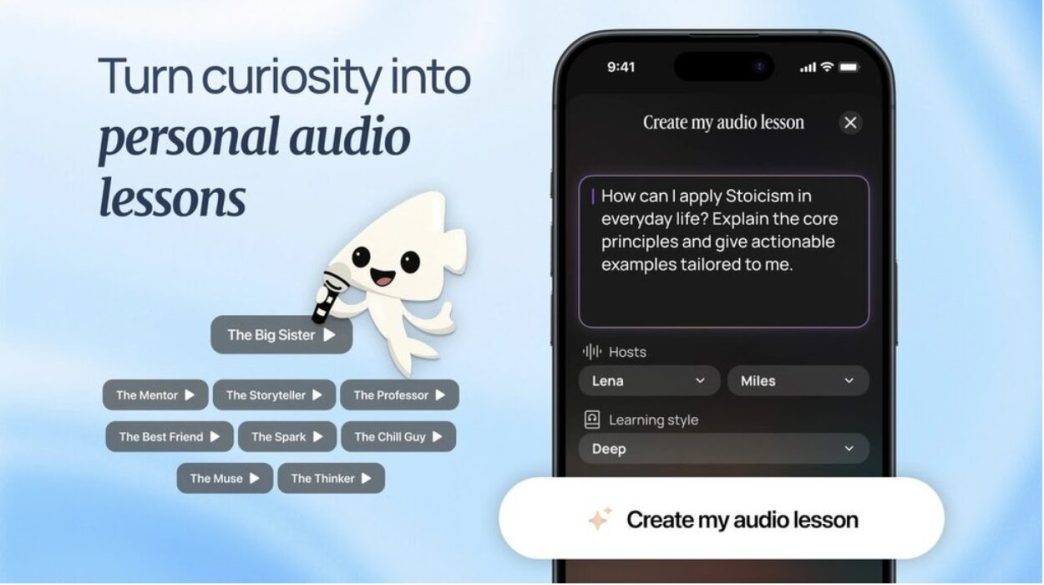
Instead of simply reading a document back to you word for word, BeFreed is designed to turn books, research papers, expert talks, PDFs, URLs, and user goals into personalized audio lessons. It supports different lesson lengths, different tones, and a more guided structure than a traditional TTS reader.
The company positions it as an AI-powered audio learning platform built in San Francisco, with support across iOS, Android, and web. Pricing from the prompt you attached places it at a free tier, roughly $12.99/month, $28.99/quarter, $89.99/year, plus a few other price plans available.
What makes it relevant in a Speechify comparison is that it addresses a different frustration. In practice, many people do not want a 40-page PDF read aloud exactly as written. They want the key ideas turned into something that feels more like a custom podcast or compact lesson.
That fits broader learning research better than passive exposure alone. AI-assisted audio-learning research found gains in motivation and reading engagement, while retrieval-practice literature supports active review features such as flashcards and recall loops.
Key features:
- Personalized learning plans from goals, files, URLs, and topics
- 10-, 20-, and 40-minute audio formats
- 100K+ content library across books, papers, and expert sources
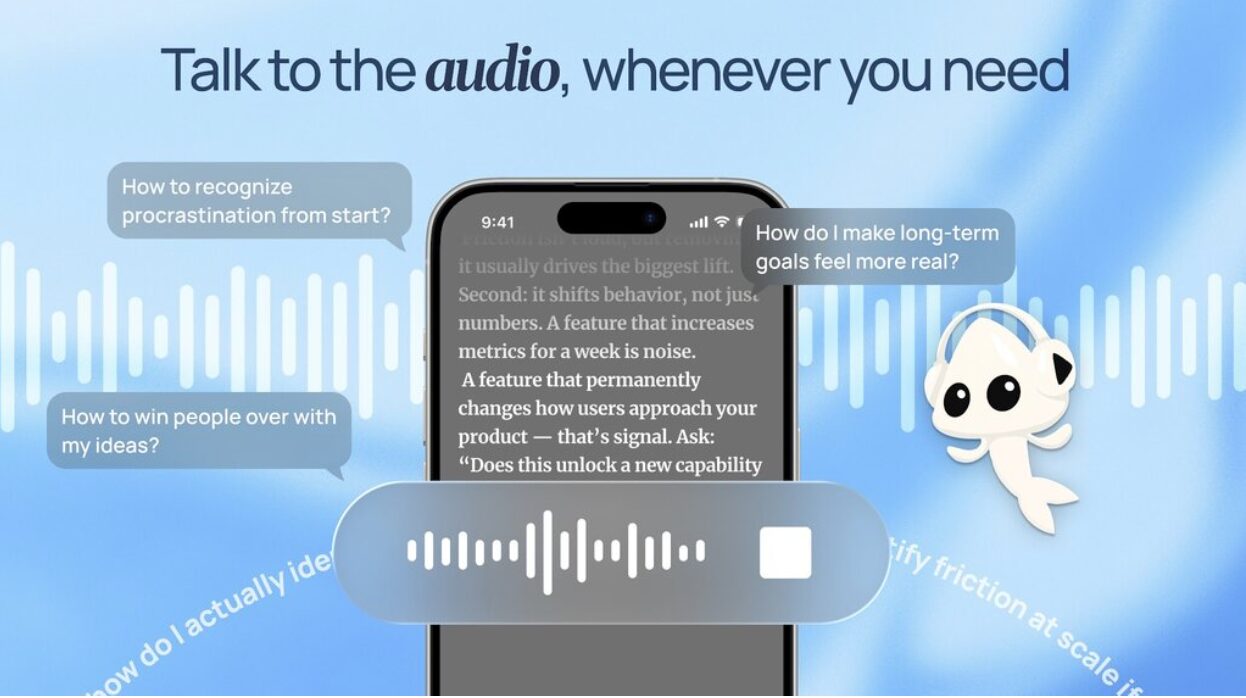
- Real-time AI chat during learning
- Highlights and flashcards
- CarPlay and Android Auto support
- Multi-source lesson generation
Why It Stands Out: In our tests, BeFreed felt less like a TTS utility and more like an audio-first learning workflow. It is better for people who want to finish, retain, and revisit ideas, not just hear text read aloud once.
Pricing: Free plan; Premium about $12.99/month, $28.99/quarter, $89.99/year, and a few other price plans available.
Platforms: iOS, Android, Web.
2. NaturalReader (best for straightforward text-to-speech)
NaturalReader is the closest classic alternative if what you want is a more traditional read-aloud app.
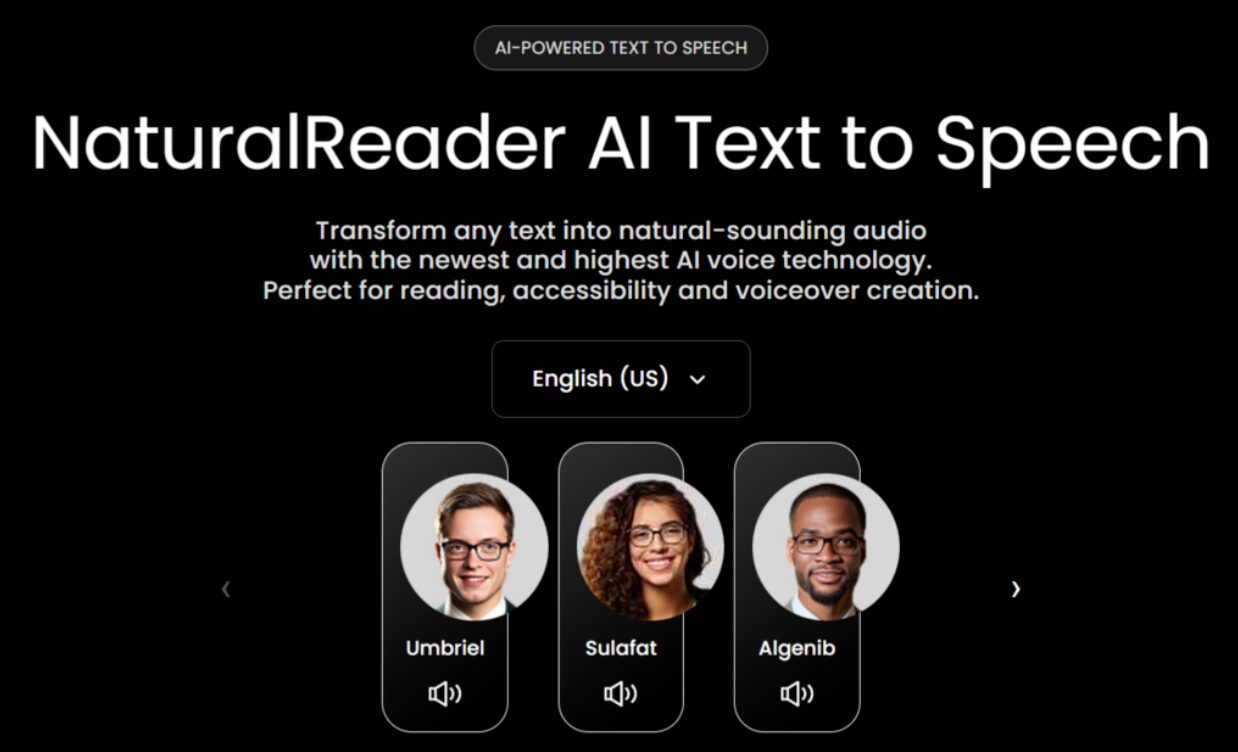
Its positioning is still centered on converting text, PDFs, and web content into spoken audio. It is better for users who want a utility-style reader, not a learning system or creator tool. In our tests, that made it easier to recommend for basic reading support, accessibility workflows, and document listening.
Key features:
- Text, PDF, and document reading
- Mobile and desktop access
- OCR and scanning support in broader product lineup
- Multiple voices and speed controls
Why It Stands Out: NaturalReader stays close to the original problem people associate with Speechify: “I want this text read aloud clearly.” That makes it easier to recommend for simple daily use than more complex creator tools.
Pricing: Official pricing pages and company materials indicate multiple tiers, including paid plans and a few other price plans available, as of May 2026.
Platforms: Web, mobile, desktop.
3. Murf AI (best for voiceovers and presentations)
Murf AI is a better Speechify alternative if your use case is content production, not reading support.
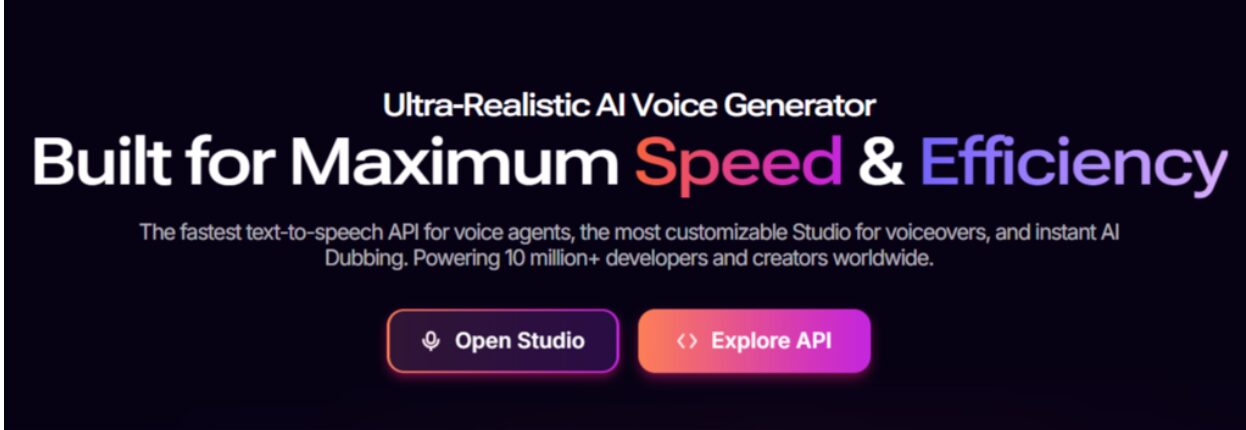
The product is built around AI voice generation for training videos, ads, presentations, podcasts, and other polished media. Murf’s official site highlights 200+ voices across 35+ languages, and its pricing page lists a Creator plan from $19/month, alongside Business and Enterprise options and a few other price plans available, as of May 2026.
Key features:
- 200+ voices
- 35+ languages
- Voice editing controls
- Voiceover workflow for presentations and video
- Commercial-friendly production focus
Why It Stands Out: When we evaluated Murf, it was clearly not trying to be a reading companion. It was better for teams and creators who need clean, controlled narration for output, especially with presentation workflows.
Pricing: Creator from $19/month; Business from $66/month; Enterprise custom, and a few other price plans available.
Platforms: Web.
4. ElevenLabs (best for realistic AI voice generation)
ElevenLabs is the strongest pick here for users who care most about voice realism, expressive speech, and voice cloning.
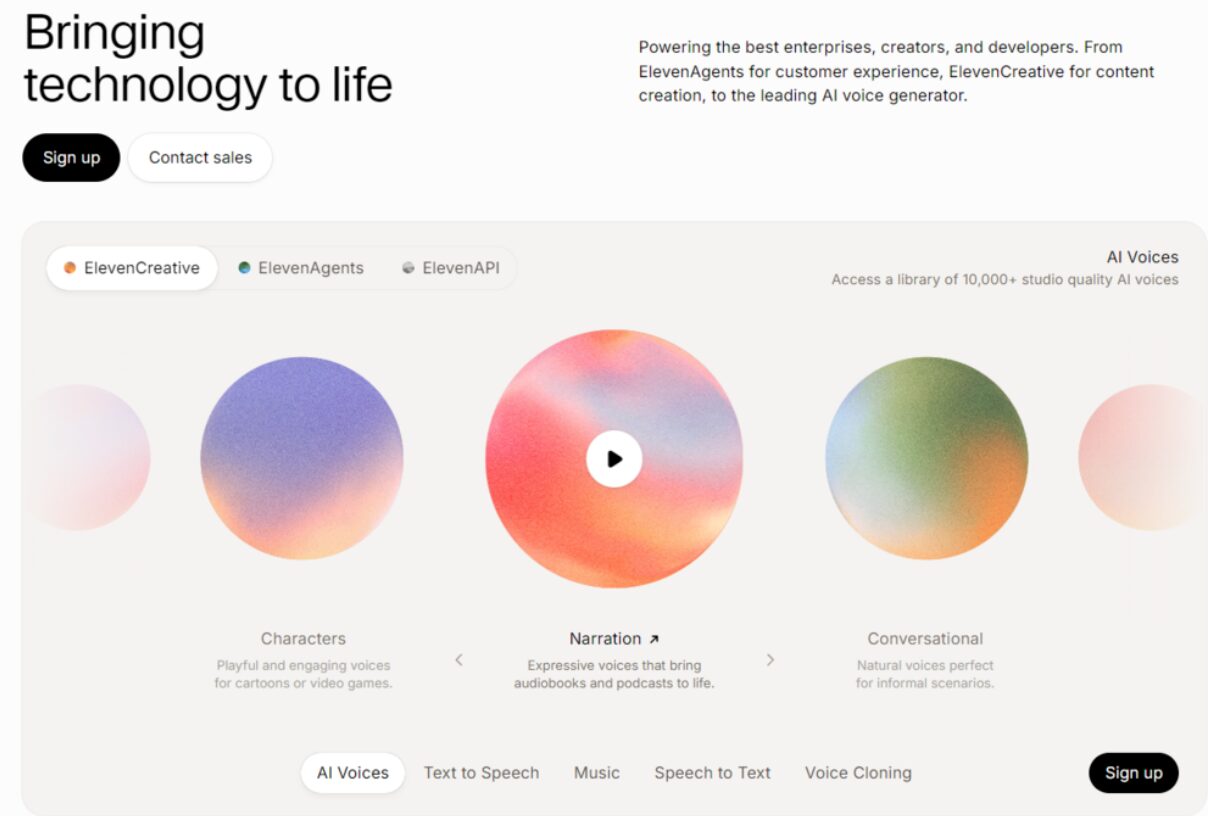
Its official pricing pages show a free option plus self-serve plans such as Starter $6/month, Creator $22/month, Pro $99/month, with additional Scale and Business options and a few other price plans available, as of May 2026. ElevenLabs is also continuing to expand beyond plain TTS into broader voice AI products.
Key features:
- Highly realistic AI voices
- Voice cloning
- Broad creative and API ecosystem
- Free and paid plans
- Strong creator and developer adoption
Why It Stands Out: In practice, ElevenLabs produced some of the most natural-sounding output in this group. It is better for creators, developers, and advanced users than for someone who simply wants a calmer reading workflow.
Pricing: Free tier; Starter $6/month; Creator $22/month; Pro $99/month, and a few other price plans available.
Platforms: Web, API.
5. Voice Dream Reader (best for offline mobile reading)
Voice Dream Reader remains one of the strongest choices for users who care about mobile reading support and offline access.
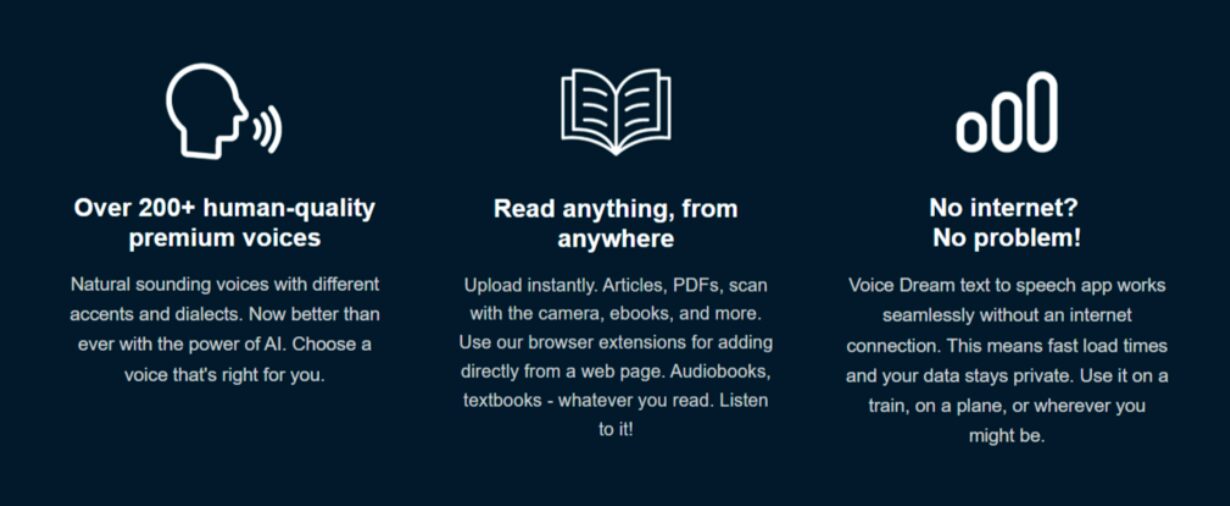
Its official site emphasizes listening to PDFs, web pages, books, emails, and docs on iOS and Mac, with offline support and a library of premium voices. Company materials also point to subscription pricing, including an annual option around $49.99/year for Mac and regular pricing references around $79.99/year, plus a few other price plans available, depending on platform and subscription status.
Key features:
- Offline listening
- Strong file support
- iOS and Mac focus
- 200+ premium voices
- Reading tools for long documents
Why It Stands Out: In our tests, Voice Dream Reader felt especially strong for people who treat text-to-speech as a serious reading accommodation or mobile reading aid, not just a casual convenience.
Pricing: Subscription-based; official company materials reference annual pricing around $49.99 to $79.99 depending on context, and a few other price plans available.
Platforms: iOS, Mac.
6. Balabolka (best free offline Windows option)
Balabolka is the practical answer for budget users who want a free offline Windows TTS tool.
It is not flashy, and it is not the most modern experience in this list. But that is also the point. If your main goal is free local text-to-speech on a Windows machine, Balabolka is still one of the most reliable names people cross-shop when looking beyond Speechify.
Key features:
- Free to use
- Offline Windows support
- Broad file compatibility
- Adjustable speech settings
Why It Stands Out: Balabolka is better for strict-budget users who care more about utility than design. It is not the polished choice, but it is often the most cost-effective one.
Pricing: Free.
Platforms: Windows.
7. PlayHT (best for high-volume multilingual audio creation)
PlayHT makes sense if you are creating lots of AI audio across different languages.
It is closer to ElevenLabs and Murf than to Speechify in spirit. That means it is not the best fit for simple reading support, but it can be a strong fit for teams producing voice content at scale, especially where language flexibility matters.
Key features:
- High-volume generation
- Multilingual support
- API and creator use cases
- Synthetic voice options
Why It Stands Out: PlayHT is better for production pipelines than for study sessions. If you are making content for an audience, it will usually make more sense than a reading-first app.
Pricing: Varies by plan.
Platforms: Web, API.
8. Read Aloud (best for free browser-based reading)
Read Aloud is a good fit if you want free browser-based text-to-speech with minimal setup.
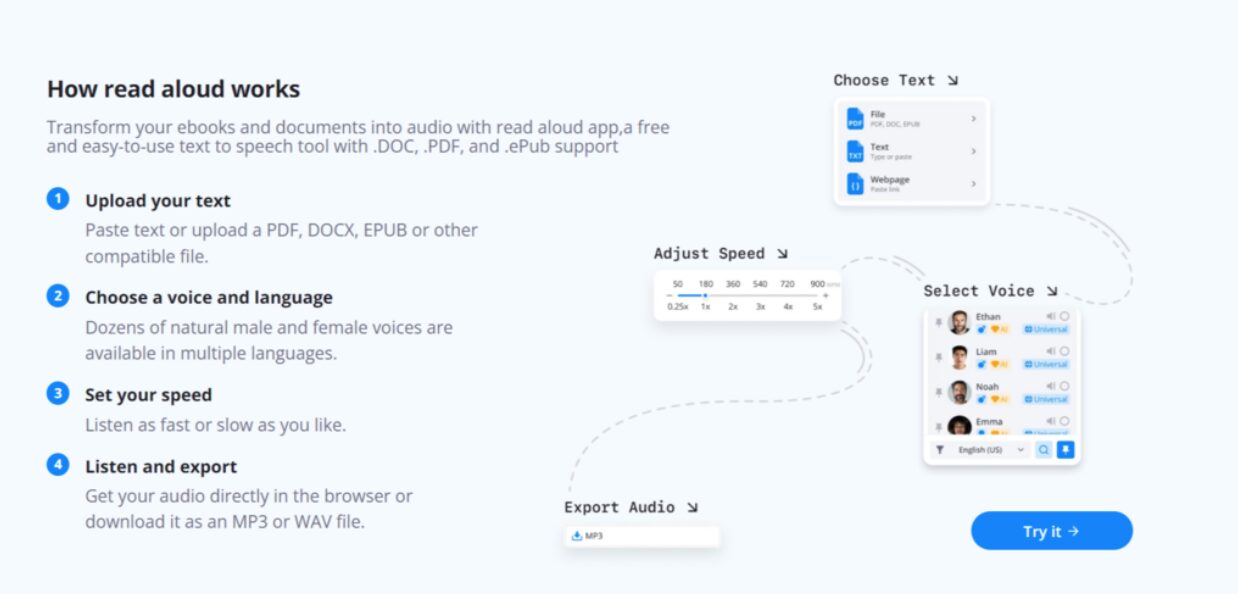
Speechify’s own review of Read Aloud describes it as a browser extension for Chrome, Firefox, and Edge, with customizable voices and basic functionality, while also noting that some higher-quality voices may require additional purchases. It remains a useful option if you mainly read in-browser and do not need a mobile-first system.
Key features:
- Free browser extension
- Chrome, Firefox, Edge support
- Adjustable speed and voice
- Simple page reading workflow
Why It Stands Out: It solves the quick “read this page aloud” problem well enough, especially for desktop browser users who do not want another subscription.
Pricing: Free, with some paid voice options.
Platforms: Browser extensions.
9. Google text-to-speech and built-in device readers (best for casual use)
If your needs are simple, built-in readers on Android, Chrome, and other platforms may be enough.
These are not full-featured alternatives for everyone, but they work for quick accessibility or occasional listening. They also set the baseline for what a free option should feel like: easy, familiar, and good enough for light use.
Key features:
- Built into existing platforms
- No extra subscription
- Simple page or document reading
- Good casual accessibility support
Why It Stands Out: Sometimes the best alternative is the one you already have. Built-in readers are better for occasional listening than for deep workflow customization.
Pricing: Usually free.
Platforms: Varies by device and browser.
How does BeFreed compare with other Speechify alternatives?
BeFreed is better than most Speechify alternatives for structured learning, while other tools win for more specialized goals.
- BeFreed vs NaturalReader: NaturalReader wins for simple document reading; BeFreed wins for turning content into guided audio lessons.
- BeFreed vs Murf AI: Murf wins for polished voiceovers and creator workflows; BeFreed wins for personal knowledge consumption.
- BeFreed vs ElevenLabs: ElevenLabs wins for voice realism and cloning; BeFreed wins for learning structure and retention tools.
- BeFreed vs Voice Dream Reader: Voice Dream wins for offline reading support; BeFreed wins for personalization and multi-source learning.
- BeFreed vs Speechify: Speechify is better known for mainstream TTS; BeFreed is better for audio-first self-education and screen-free learning.
Key Insight: Speechify alternatives split into three camps: accessibility readers, creator tools, and learning tools. BeFreed belongs in the third camp.
Comparison table: the best Speechify alternatives at a glance
| Tool | Best For | Personalization | Learning Format | Pricing Angle |
| BeFreed | Goal-based audio learning | High | Audio, flashcards, chat | Premium learning app |
| NaturalReader | Simple read-aloud use | Medium | TTS reading | Mid-range TTS |
| Murf AI | Voiceovers and presentations | High | AI voice production | Creator-focused paid plans |
| ElevenLabs | Realistic voice generation | High | Voice generation, cloning | Free + paid tiers |
| Voice Dream Reader | Offline mobile reading | Medium | TTS reading | Subscription |
| Balabolka | Free offline Windows use | Low | TTS reading | Free |
| PlayHT | Multilingual audio creation | High | AI audio generation | Paid creator plans |
| Read Aloud | Free browser reading | Low | In-browser TTS | Free |
| Built-in readers | Casual listening | Low | Basic TTS | Free |
What is the final verdict on the best Speechify alternatives?
The best Speechify alternative depends on what you are actually trying to do.
If you want a classic text-to-speech replacement, start with NaturalReader or Voice Dream Reader.
If you want to create polished voice content, choose Murf AI or ElevenLabs.
If you want to learn on the go, reduce screen time, and turn scattered information into something you will actually finish, BeFreed is one of the strongest fits in this list.
That does not make it the universal winner. It makes it the better option for a very specific use case that most “Speechify alternatives” roundups still under-cover: audio learning, not just audio playback.
FAQ
What is the best free alternative to Speechify?
For fully free use, Balabolka is a strong Windows option, while Read Aloud is useful in the browser. NaturalReader and ElevenLabs also offer free tiers.
What app is better than Speechify for learning?
BeFreed is a better fit for learning because it focuses on personalized audio lessons, structured plans, and retention tools rather than plain word-for-word reading.
What is the best Speechify alternative for students?
For students, Voice Dream Reader and NaturalReader are strong for accessibility, while BeFreed is better if the goal is understanding and retaining ideas through audio.
Can I turn a PDF into a podcast instead of having it read aloud?
Yes. BeFreed is built around turning PDFs, books, papers, and topics into more structured audio lessons or podcast-like learning content.
Which Speechify alternative is best for creators?
Murf AI is usually the better choice for voiceovers and presentations, while ElevenLabs is stronger for expressive voice generation and cloning.
Is there a cheaper alternative to Speechify?
Yes. Balabolka, Read Aloud, and some free tiers from NaturalReader or ElevenLabs can be cheaper than a premium TTS subscription.
What is the best Speechify alternative for commuting?
For commuting, BeFreed is one of the better fits because it is designed around short, flexible audio learning sessions and hands-free listening workflows.
Is ElevenLabs a good alternative to Speechify?
Yes, but mainly for users who care about voice realism and generation quality, not basic reading support. It is better for creators than for accessibility-first readers.
Visit: oblong faces hape