If you are searching for how to factory reset iPhone without password, it usually means your device is locked or you forgot your passcode. In 2026, Apple still does not allow unlocking an iPhone without erasing it due to strict security protection.
However, there are several official ways to reset iPhone safely. In this guide, we will cover all updated methods including Apple’s built-in solutions, computer-based recovery, iCloud erase, and a professional tool option like 4uKey.
Whether you want to factory reset iPhone, perform an iPhone hard reset, or learn how to restore an iPhone to factory settings, this article will walk you through every working solution step by step.
Quick Comparison: All iPhone Reset Methods (2026)
| Method | Requires Apple ID | Requires Computer | Difficulty | Data Loss |
| Forgot Passcode (Lock Screen) | Yes | No | Easy | Yes |
| Recovery Mode (iTunes/Finder) | No (but activation needed) | Yes | Medium | Yes |
| iCloud / Find My Erase | Yes | No | Easy | Yes |
| 4uKey Tool | Optional | Yes | Easy | Yes |
| Previous Passcode (72 hours) | No | No | Very Easy | No (if valid) |
This table helps you quickly choose the best method depending on your situation.
Part 1: Lock Screen “Forgot Passcode” Method
Apple introduced a built-in reset option that appears after multiple failed passcode attempts. When your iPhone shows “Security Lockout” or “iPhone Unavailable,” you can tap “Forgot Passcode?” to start the reset process.
You will then need to verify your Apple ID and confirm device erase. After that, the system will automatically factory reset iPhone and reinstall iOS.
This is the easiest official method for how to factory reset iPhone without password, but it depends on having Apple ID access and internet connection.
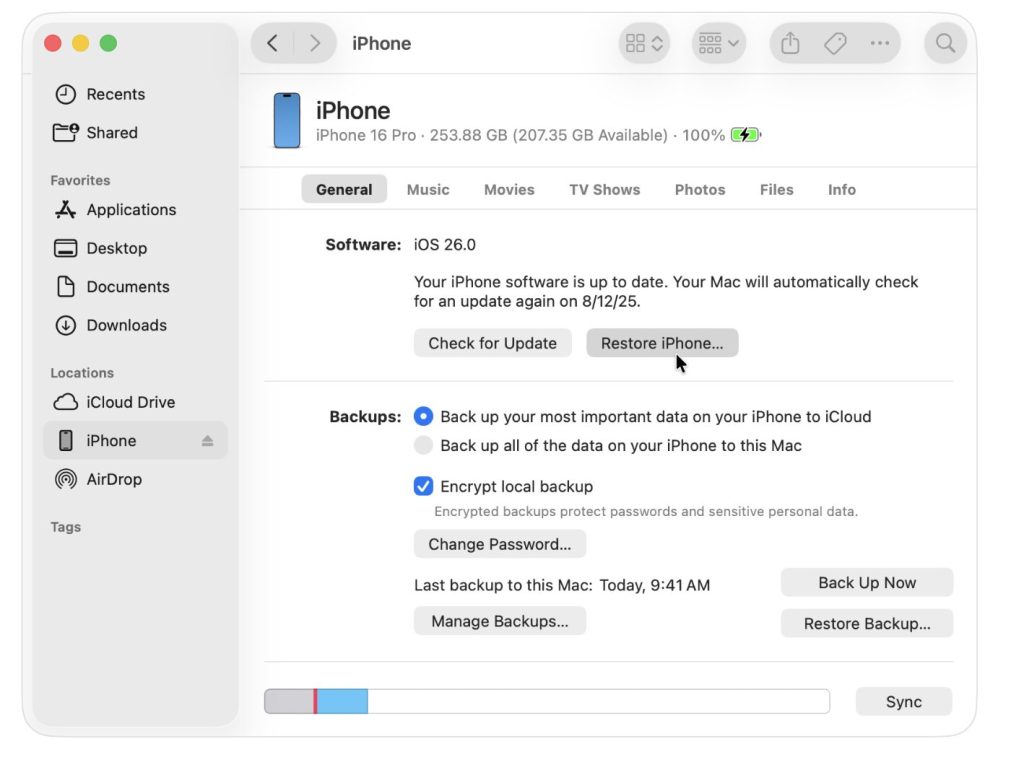
Part 2: Recovery Mode (Computer Method)
Recovery Mode is a reliable solution for users who want to force reset iPhone using a computer.
It works on all devices and is commonly used when learning how to hard reset iPhone or how to restore an iPhone to factory settings.
Steps include connecting the device to a Mac or PC, entering Recovery Mode, and selecting “Restore” in Finder or iTunes. The system will reinstall iOS and completely erase the device.
Part 3: Factory Reset iPhone Without Password Using 4uKey
When Apple ID is unavailable or Recovery Mode feels too technical, Tenorshare 4uKey provides a simpler alternative.
It is widely used for iphone factory reset without password situations because it removes screen locks in a guided process.
How 4uKey works:
1. Install 4uKey on a computer
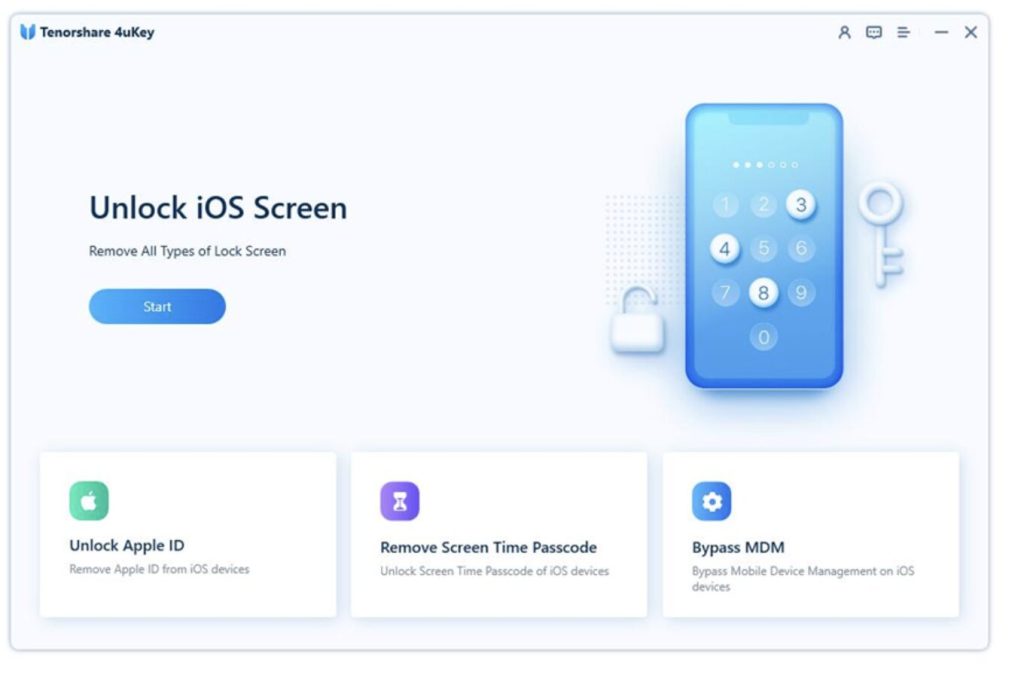
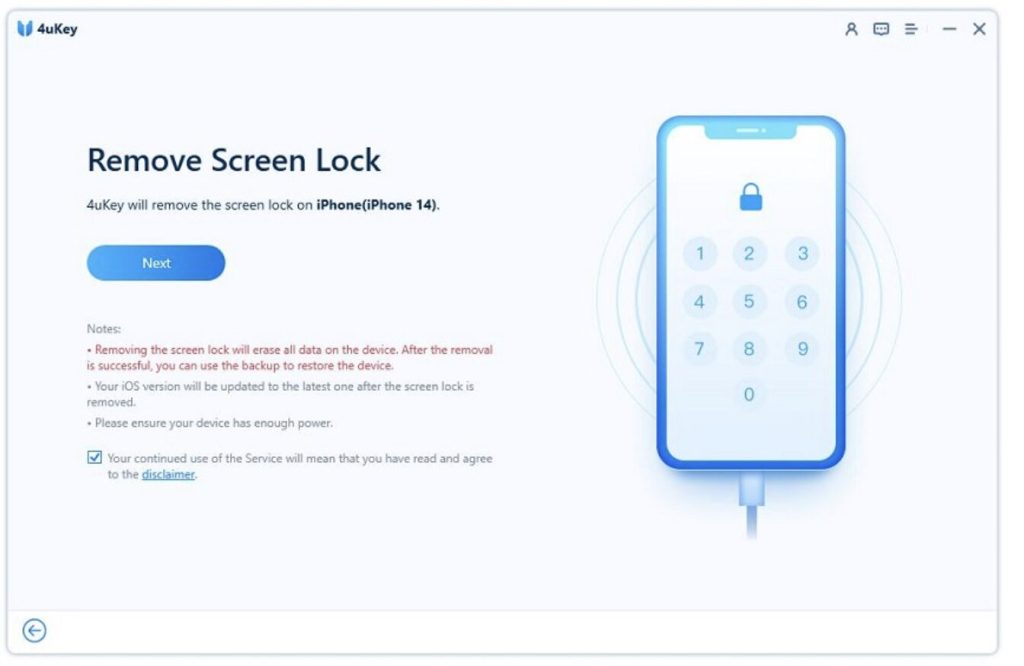
2. Connect iPhone via USB cable
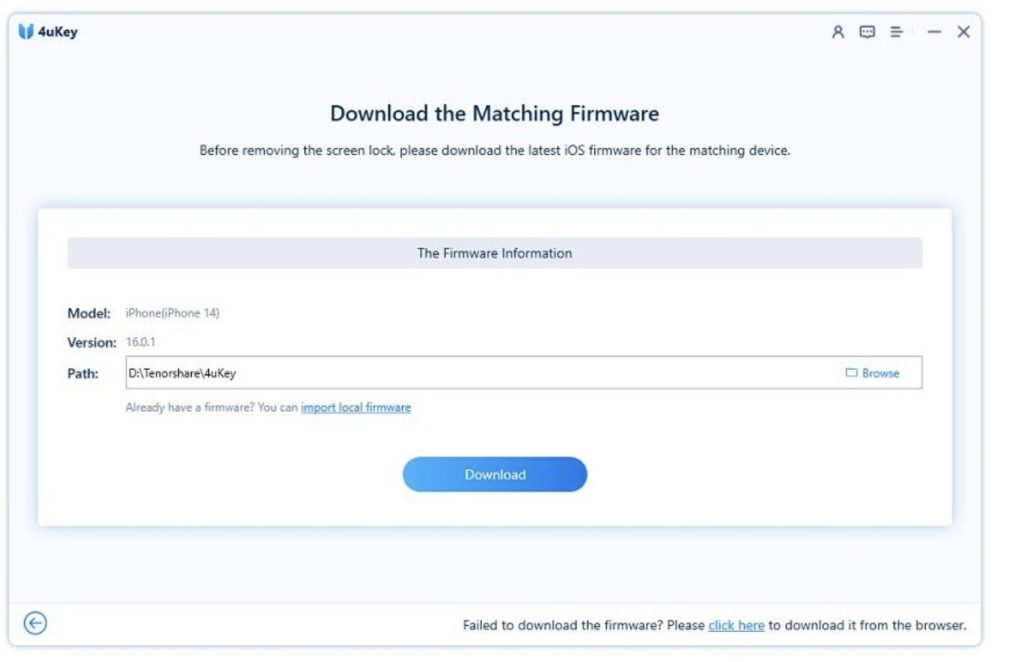
3. Download firmware package
4. Click “Start Remove”
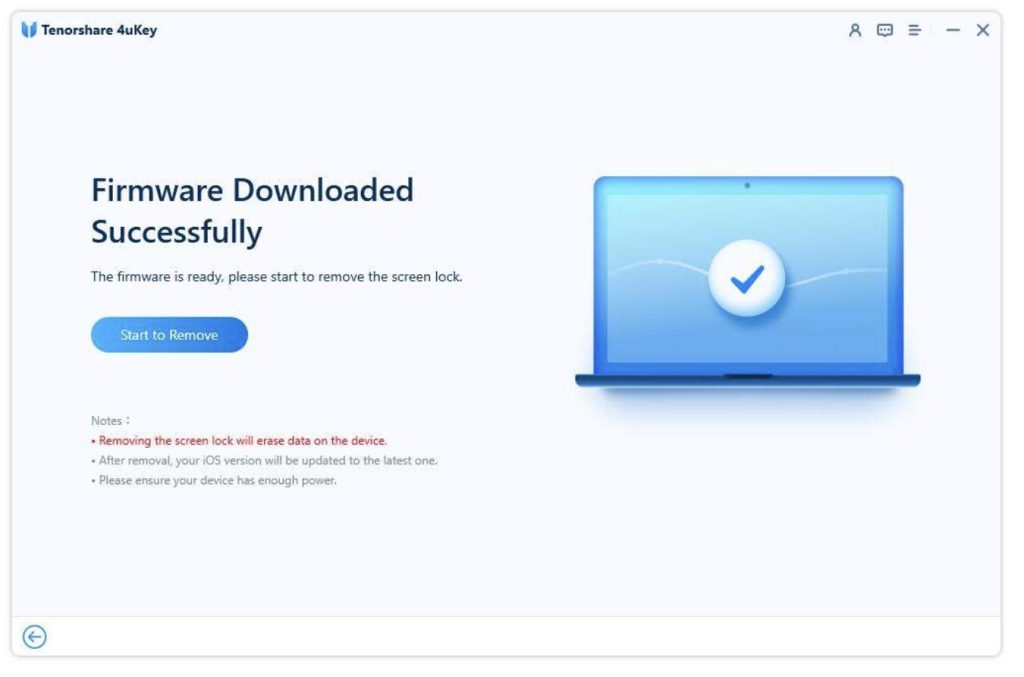
Within minutes, the device will be fully reset and ready to set up again.
Compared with manual recovery methods, 4uKey is more user-friendly and reduces technical steps, making it ideal for beginners or urgent unlock situations.
Part 4: Erase iPhone Using iCloud (Find My)
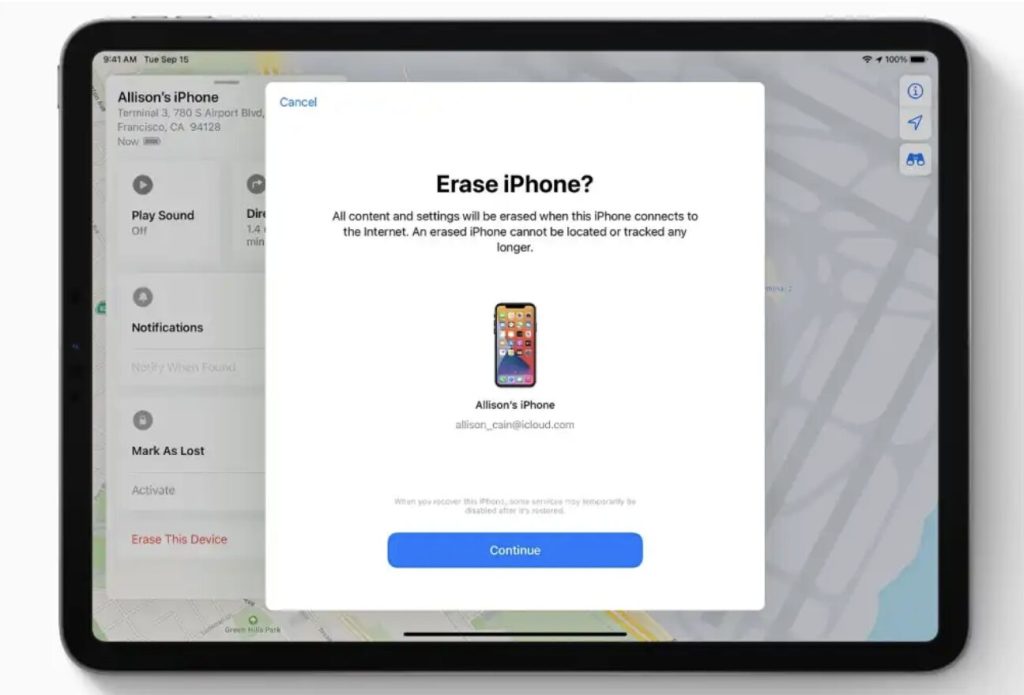
If Find My iPhone is enabled, you can remotely perform a factory reset iPhone from any browser.
Simply log into iCloud.com, select your device, and click “Erase iPhone.” This method is especially useful when the phone is lost or not physically accessible.
After erasing, the device will return to factory settings and require Apple ID activation.
Part 5: Use Previous Passcode (72-Hour Window)
Apple also provides a temporary recovery feature if your passcode was recently changed.
Within 72 hours, you can still reset your device using the previous passcode. This option appears under “Forgot Passcode?” and allows you to bypass full recovery if conditions are met.
It is a limited but very helpful feature for users who recently updated their credentials.
Part 6: FAQs About iPhone Factory Reset
1.Can I factory reset iPhone without Apple ID?
No. Most official methods require Apple ID for activation after reset.
2. Does factory reset remove everything?
Yes. A factory reset erases all data, settings, and personal files.
3. What is the difference between hard reset and factory reset iPhone?
A hard reset only restarts the device, while a factory reset completely wipes it.
4. What is the safest method?
Apple official methods are safest, but tools like 4uKey are helpful when access is limited.
Conclusion
Understanding how to factory reset an iPhone without a password is essential when your device is locked or inaccessible. Apple provides several official methods including Forgot Passcode, Recovery Mode, iCloud erase, and temporary passcode recovery.
For users who need a faster and simpler solution, tools like 4uKey offer an efficient alternative for performing a full iPhone factory reset without password.
No matter which method you choose, always remember that factory reset iPhone will erase all data, so backup is recommended whenever possible.