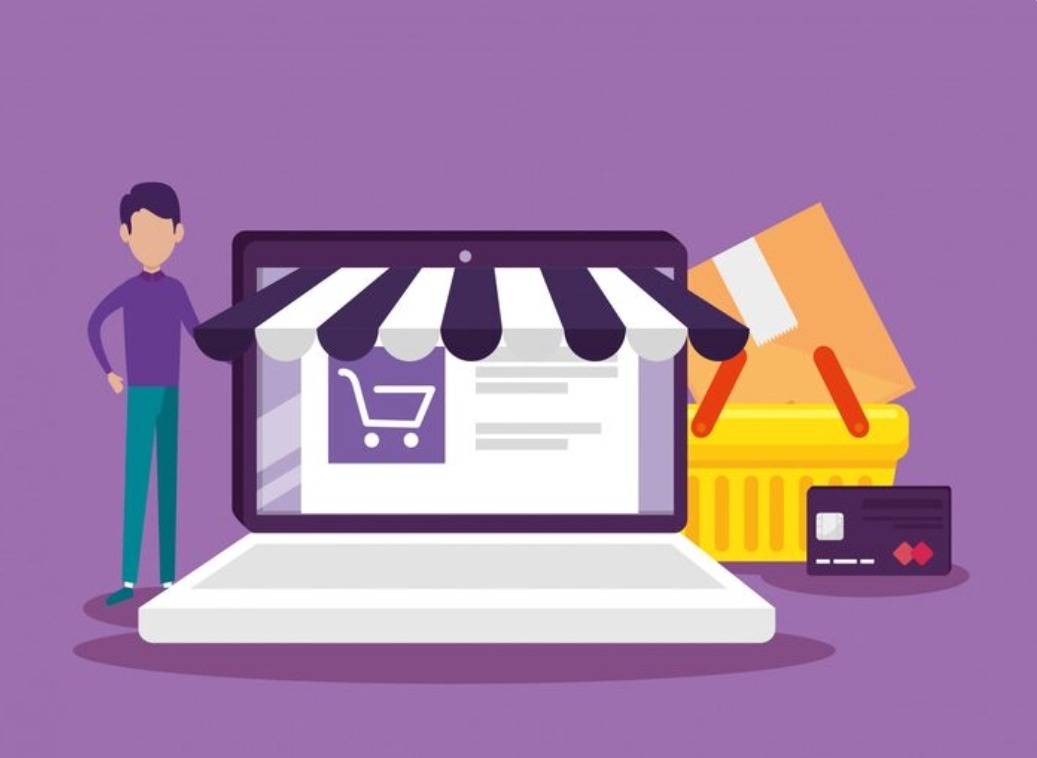
If you already run a WordPress site and you’re thinking about selling online, WooCommerce is the obvious starting point. It’s free, it plugs straight into WordPress, and it turns an ordinary website into a working store without forcing you onto a whole new platform. But easy to start and easy to do well are two very different things, and it helps to know which one you’re actually signing up for.
Why WooCommerce is so popular
The appeal comes down to two things: control and cost. Unlike hosted platforms that lock you into their ecosystem and take a monthly fee plus a slice of every sale, WooCommerce lives on your own hosting, under your own rules. You own your data outright, you’re not handing a percentage to the platform on every order, and you can customize almost anything if you’re willing to get into the settings, or the code.
That flexibility is the entire point. Want a custom checkout flow? A subscription model? An unusual shipping calculation tied to weight and region? WooCommerce can do all of it, whether through the enormous library of plugins or through custom development when the plugins don’t quite fit.
Where beginners hit walls
The same open-ended nature that makes WooCommerce powerful is also where people get stuck. A few trouble spots show up again and again:
- Performance: a store with hundreds of products and a stack of plugins can slow to a crawl without proper optimization
- Plugin overload: it’s tempting to solve every problem with one more plugin, until they start conflicting and breaking each other
- Checkout friction: the default checkout works, but a clunky one quietly bleeds away sales at the last step
- Security: you’re handling payments now, which makes you a target, so updates and hardening stop being optional
None of these are dealbreakers. They’re simply the reasons a bare WooCommerce install often needs real work before it becomes a store that performs under actual load and actual traffic.
The storefront is the easy part
Here’s a distinction worth internalizing before you start. Setting up the visible storefront, the products, the categories, the theme, is the easy part. Anyone patient can get that far in a weekend. The hard part is the engine underneath: the code that has to handle traffic spikes without falling over, process payments cleanly every time, and keep working during your busiest sale of the year, which is precisely when you can least afford a crash.
That gap between looks fine on a quiet Tuesday and holds up on Black Friday is where a lot of DIY stores get painful lessons.
When to bring in help
You can absolutely launch a basic store yourself, and plenty of people should. But once you’re dealing with a large catalog, custom functionality, or serious traffic, this is where dedicated WooCommerce development services start to earn their keep. A specialist handles the performance tuning, the custom features, and the security hardening that keep a growing store fast and reliable, the exact stuff that’s genuinely hard to get right on your own without months of trial and error.
Think of it as the difference between assembling flat-pack furniture and wiring a house. One you can reasonably do yourself. The other, once the stakes are real, is worth handing to someone who does it professionally.
Hosting matters more than people expect
One decision quietly shapes everything else about how your store performs, and beginners almost always underrate it: hosting. Cheap shared hosting is fine for a small blog, but an ecommerce store is a different animal. It runs database queries constantly, handles sensitive transactions, and needs to stay responsive even when a burst of traffic arrives all at once, which is exactly when you want it to shine.
Underpowered hosting shows up as slow product pages, checkout timeouts, and the occasional crash during your busiest moments, the worst possible time to have problems. Spending a bit more on hosting built for WooCommerce, or on a managed WordPress host that handles caching and scaling for you, is one of the highest-return decisions a store owner can make. It’s not the exciting part of building a store, but it’s the floor everything else stands on.
If your store already feels sluggish and you’ve optimized the obvious things, look at the hosting before you blame the plugins. Very often that’s where the real bottleneck is hiding.
A few habits that keep a store healthy
Whether you build it yourself or bring in help, a few disciplines pay off over the life of the store. Keep your plugin list short and deliberate rather than adding one for every small want. Test the checkout regularly, because it’s the one page that directly turns visitors into revenue. And treat updates and backups as routine maintenance, not something you’ll get to eventually.
The bottom line
WooCommerce is a strong choice if you want to own your store instead of renting it from a platform. Start simple, keep your plugin list disciplined, and don’t ignore speed and security, because those are the things that quietly decide whether your store thrives or stalls. And when the store outgrows what you can comfortably manage on your own, bringing in help isn’t a defeat. It’s how you keep it running smoothly right when it starts making real money.