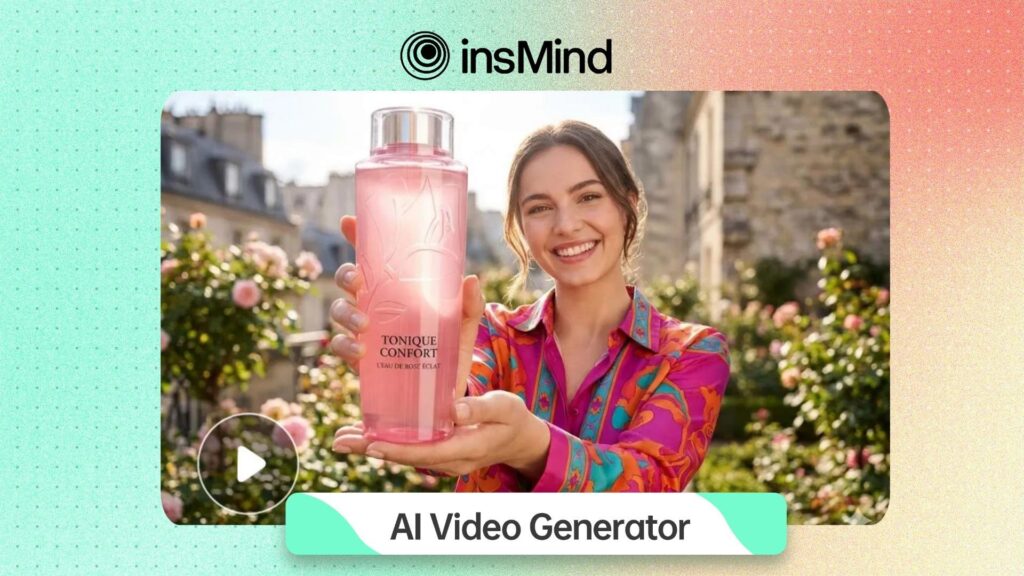
Best Use Cases for Small Businesses and Marketing Teams
Product Launch Teasers
A launch does not always need a long video. Often, a short clip that introduces the product, shows the benefit, and gives viewers a reason to click is enough. With insMind, a team can begin from a written launch message or a product image, then generate a visual direction before committing to a final creative route.Ecommerce Product Motion
Static product photos are useful for catalog pages, but motion often performs better in feeds, ads, and landing pages. Image-to-video workflows let teams animate an existing product image, highlight a feature, or turn a small photo set into a simple promotional clip. This is practical for shops that have good product photography but limited video resources.Social Media Variations
Small teams rarely know which hook will work before testing. AI video generation makes it easier to create several visual versions of the same idea. One version may focus on the problem, another on the product benefit, and another on a lifestyle angle. The team can then review which direction feels strongest before publishing or polishing.Explainers and Customer Education
Many customer questions can be answered more clearly with a short visual. A text-based FAQ, feature explanation, or onboarding note can become a concise video draft. This works well for software companies, service providers, online shops, and educators that need repeatable educational content.Where insMind Fits in the AI Video Stack
insMind is useful for teams that do not want to treat text-to-video, image-to-video, image editing, and video effects as completely separate tasks. A marketer may begin with a product image, improve the image, turn it into a short video, then prepare supporting visuals for a campaign. A creator may start with a written idea, generate a video, and then create related images for thumbnails or social posts. Keeping these related steps close together reduces friction. The platform’s video tools are especially relevant for three common workflows. The first is text-led creation, where a team starts with a written message or short brief. The second is image-led creation, where an existing visual becomes the foundation for motion. The third is broader creative production, where video is part of a larger set of brand assets. For a small team, this is often more valuable than a highly specialized tool that only works for one format. If the same campaign needs a product teaser, a visual explainer, and a few social variations, a unified workspace can be easier to manage than switching between several services.How It Works: Creating an AI Video with insMind
The following workflow is designed for a small team creating a short business video from either a written idea or a product image. The exact settings can change depending on the project, but the process stays simple enough for marketers, founders, ecommerce operators, and creators to follow.Step 1: Start with a prompt or upload a product image
Open insMind and choose the video creation path that matches your starting material. If the project begins with a campaign message, product description, or short script, use a text-led workflow with the text-to-video tool. If the project begins with a product photo, portrait, event image, or visual concept, upload the image and use an image-led workflow. At this stage, the most important decision is what should drive the video: the written message, the visual asset, or both.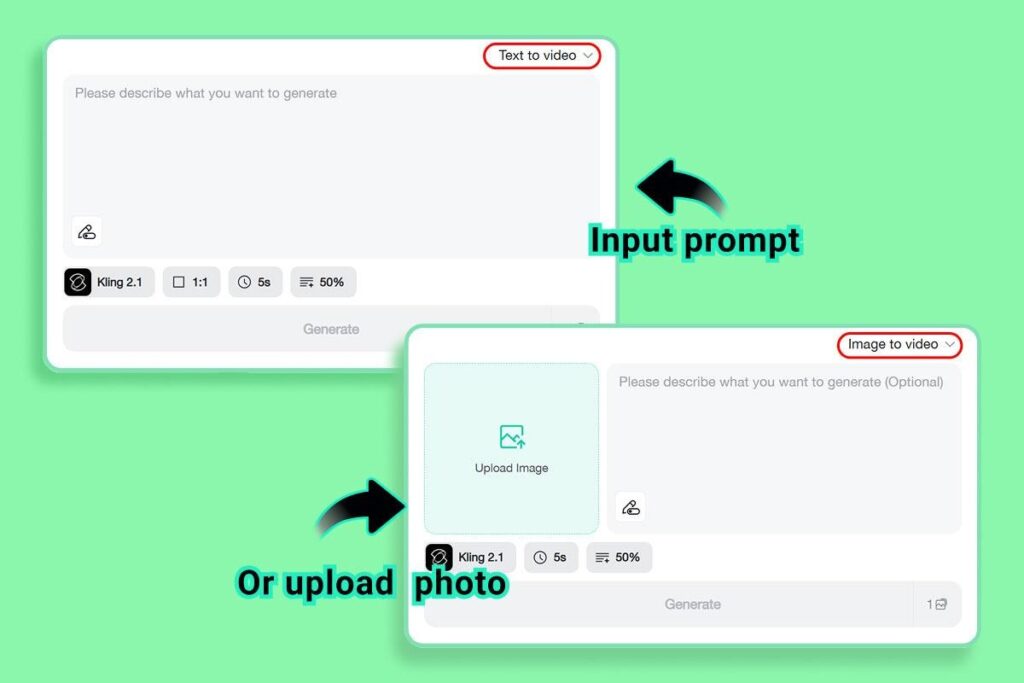
Step 2: Choose the video settings
Next, select the settings that fit the content goal. For a product teaser, a vertical format may work well for social feeds. For a website banner or presentation-style clip, a wider format may be more useful. Choose the model, aspect ratio, duration, and any available strength or motion settings based on the level of control needed. A fast draft can be useful for testing; a more refined setting may be better for final marketing assets.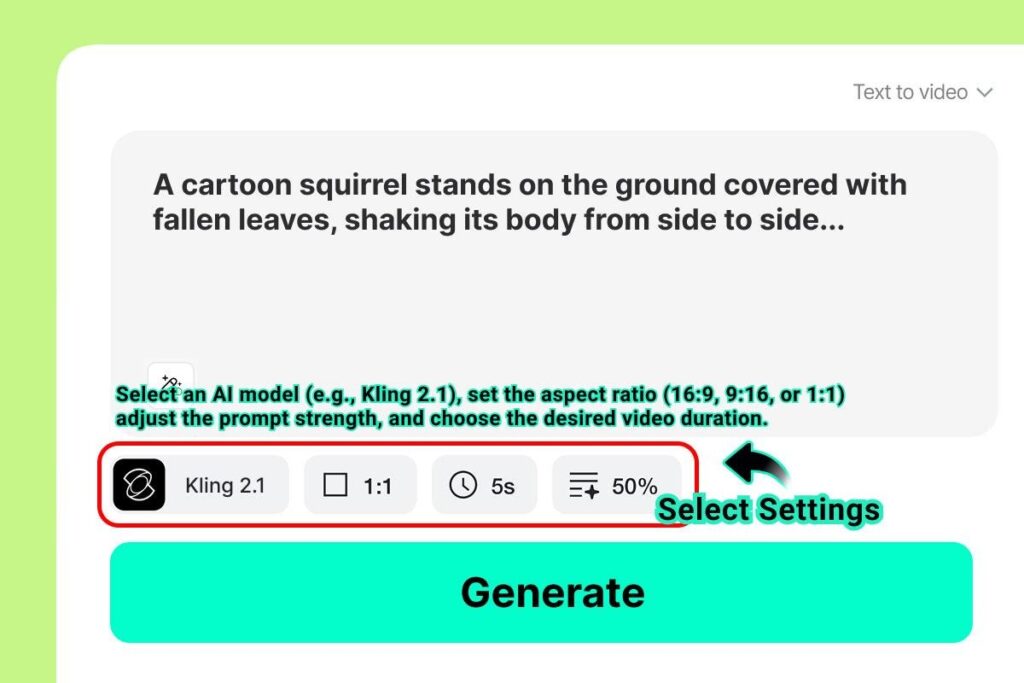
Step 3: Generate the video and review the preview
Once the prompt, image, and settings are ready, generate the video preview. Review the result the same way a marketing team would review any creative draft. Does the motion support the product? Is the scene clear at full size? Does the first moment communicate the idea quickly? If the video is meant for a campaign, check that the tone, visual direction, and message fit the intended audience.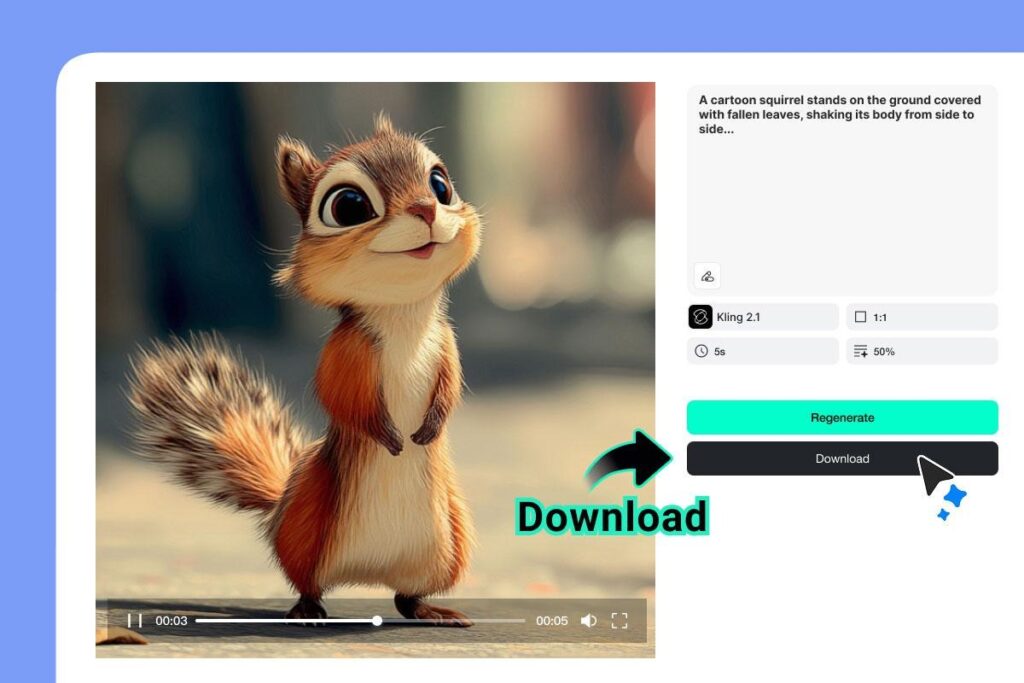
Step 4: Download and adapt the final asset
After the draft is approved, download the MP4 and prepare it for the channel where it will be used. A website clip may need a different crop from a social post. A paid ad may need sharper opening text or a stronger call to action. The strongest workflow is iterative: generate, review, adjust, and use the final clip as part of the broader content plan.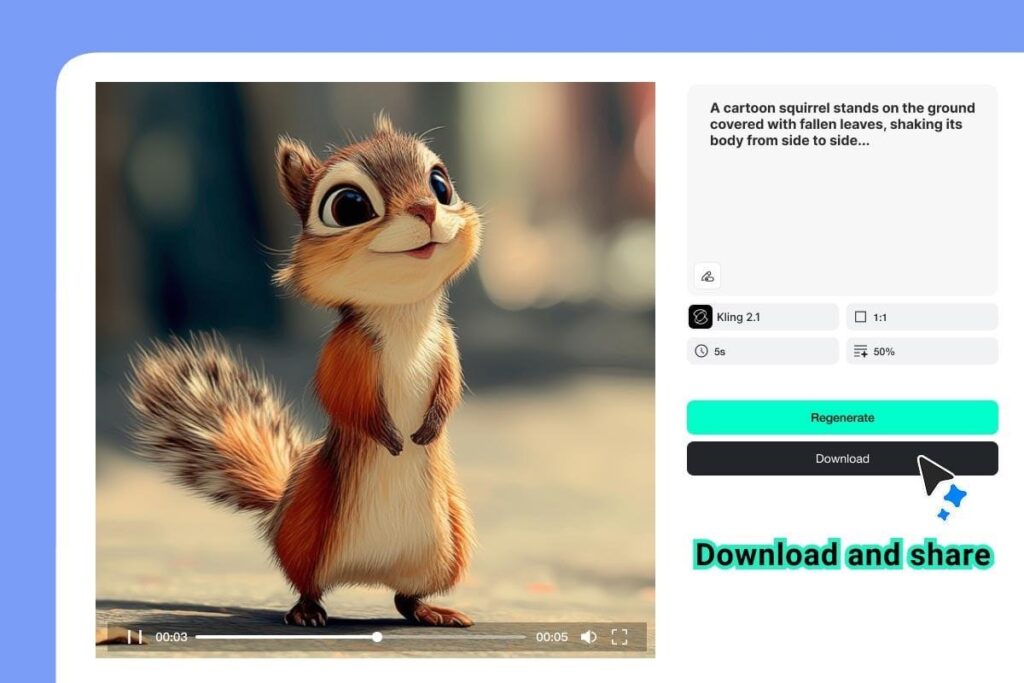
Text-to-Video or Image-to-Video: Which Should a Team Use First?
The best starting point depends on what the team already has. If the clearest asset is a written message, begin with text-to-video. This works well for product announcements, explainer clips, service summaries, educational videos, and campaign concepts. The prompt can include the audience, scene, tone, style, motion, and business goal. If the strongest asset is visual, begin with image-to-video. This is often better for ecommerce, product marketing, creator content, and social clips where the image needs to stay recognizable. A product image can become a short motion preview. A brand visual can become a campaign clip. A photo set can become a more dynamic story. The advantage of an image-to-video workflow is that it gives the AI a visual anchor instead of relying only on text. For many small teams, the answer is to use both. A written brief can define the message, while an uploaded image keeps the visual grounded in the actual product or brand asset. That combination helps reduce the risk of generating something impressive but unrelated to the campaign.What Teams Should Check Before Publishing
AI video can speed up production, but it still needs review. Before publishing, teams should check whether the clip accurately represents the product or message. Product shapes, logos, packaging, faces, and text should be reviewed carefully. If the video includes people or sensitive imagery, permission and brand safety matter. If the clip is being used in a business context, the final asset should support the message rather than distract from it. A simple review checklist can help:- Does the video match the campaign goal?
- Is the product or subject visually consistent?
- Does the first moment make the message clear?
- Is the format appropriate for the intended channel?
- Does the clip need captions, a stronger CTA, or a shorter version?
- Can the team repeat this workflow for future campaigns?