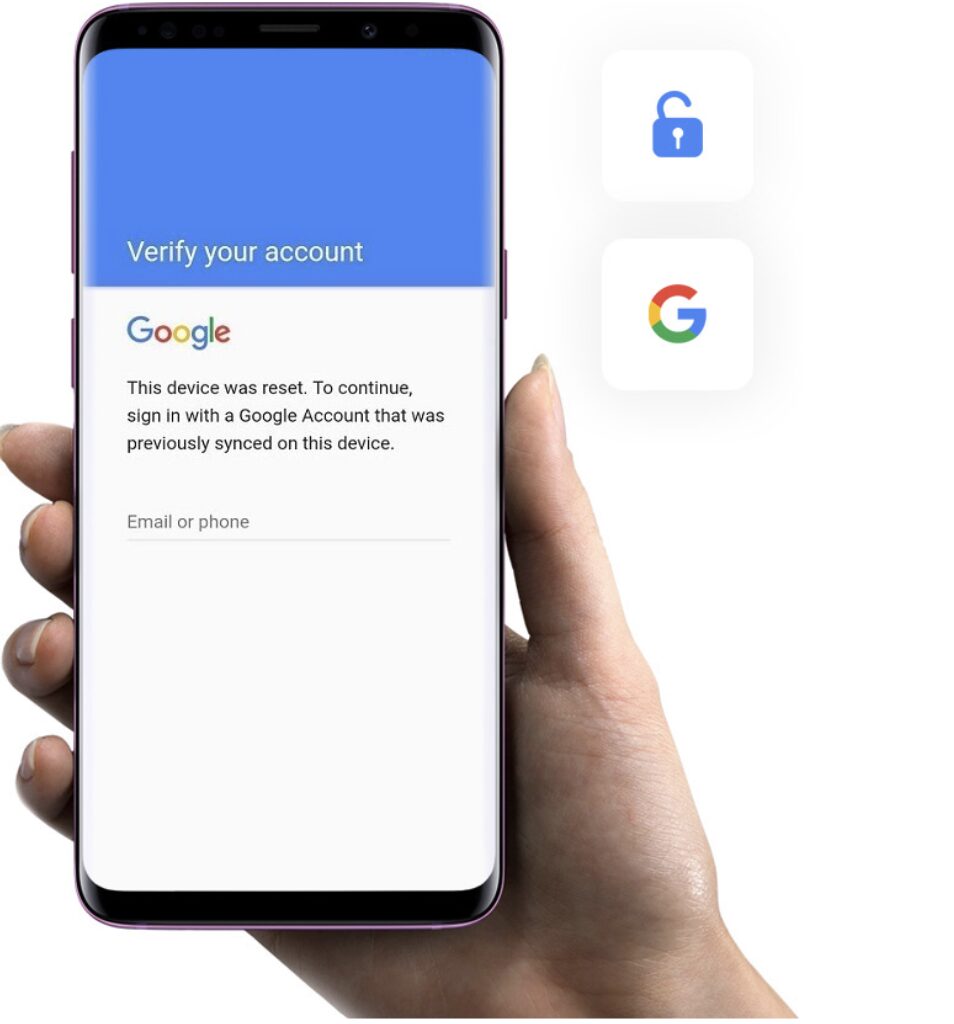
If your Android phone is stuck on the Google verification screen after a factory reset, you’re dealing with FRP lock (Factory Reset Protection). This is one of the most common issues people face after resetting or buying a second-hand phone.
Most users immediately search for a Free FRP Bypass Tool, FRP bypass APK, or even ways to unlock FRP with IMEI free, expecting a quick fix. But in 2026, Android security has changed a lot, and the reality is more complicated than most guides online suggest.
Some methods still work—but only under specific conditions. Others simply don’t work anymore on modern devices.
This guide breaks down what actually works today in a practical way, without confusing technical jargon or outdated tricks.
A quick reality check before trying anything
Let’s be honest: there is no universal one-click FRP unlock tool free that works on every Android device in 2026.
Most “free FRP bypass tools” you see online fall into one of these categories:
- Old APK methods that only work on Android 8–11
- Device-specific tricks that get patched quickly
- Random downloads that don’t actually remove FRP
- Or tools that require extra steps anyway (PC, drivers, etc.)
That doesn’t mean free solutions don’t exist. It just means they are limited, inconsistent, and heavily dependent on your device model and Android version.
So instead of chasing random downloads, it’s better to understand the real working options first.
Method 1: Google Account Recovery (always try this first)
Before using any FRP bypass method, try recovering your Google account. This is still the safest and most reliable option.
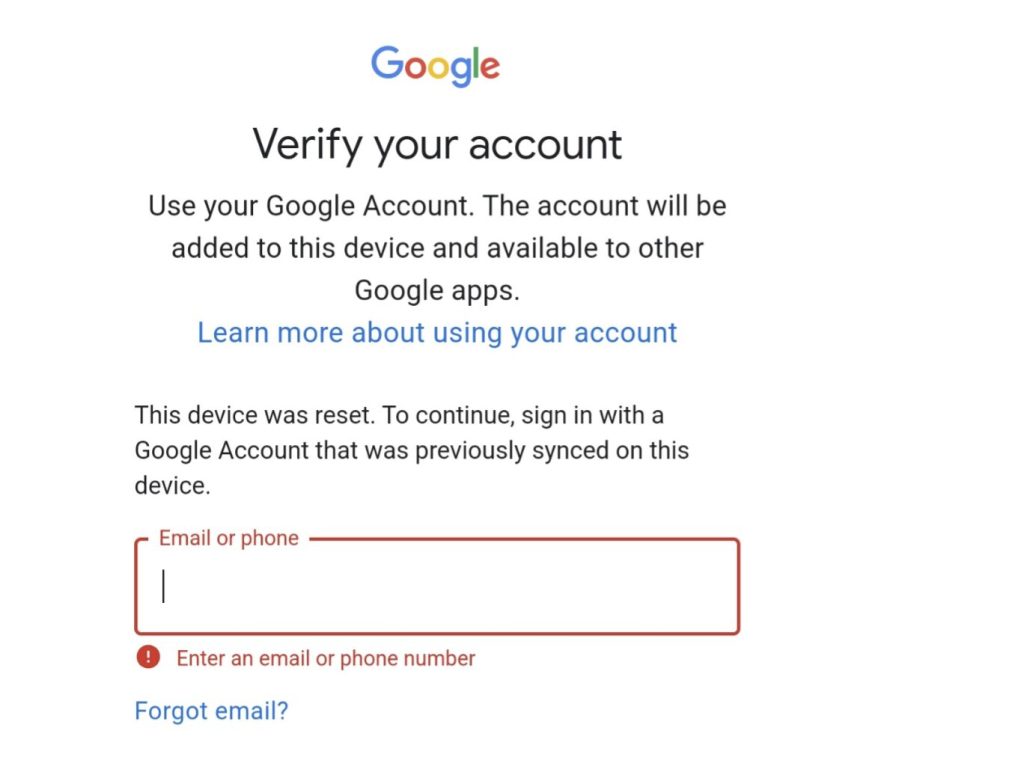
Steps:
- Go to the official recovery page:
https://accounts.google.com/signin/recovery - Enter your Google email or phone number
- Verify your identity using SMS, email, or backup options
- Reset your password
- Restart your phone and log in again
If the account was previously used on the device and you still have access to recovery methods, this will solve the FRP issue without any tools.
In many real cases, users skip this step and waste time trying APKs first—but recovery should always come before anything else.
Method 2: FRP Bypass APK (free but limited in 2026)
This is the method most people think of when searching “FRP bypass APK free download” or free FRP bypass tool Android.
It involves using an APK file to access system settings and bypass Google verification.
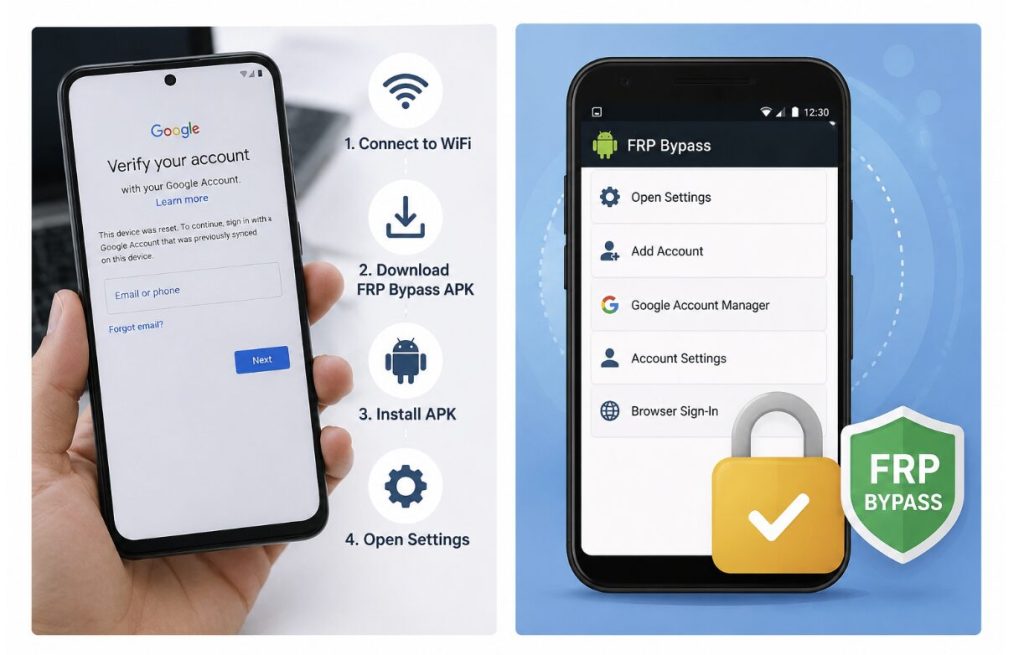
General steps (older Android devices only):
- Connect the phone to WiFi on the FRP screen
- Try accessing emergency call or accessibility options (depends on device brand)
- Trigger browser access through system shortcuts
- Download a FRP Bypass APK file
- Install it (enable unknown sources if required)
- Open the app and go to settings or account manager
- Add a new Google account or reset account binding
- Restart the device
Important limitations:
- Mostly works on Android 8–11
- Android 12–16 blocks most of these entry points
- Many APK files online are outdated or modified
- Success rate varies greatly by brand and patch level
So while this is still considered a free FRP bypass method, it is no longer a universal solution.
Method 3: PC-based FRP unlock tools (more stable solution)
When APK methods fail—which is very common on newer phones—users usually switch to PC-based tools.
One commonly used option in this category is 4uKey for Android, which is developed by Tenorshare and often used for FRP bypass cases. It is often used when standard free methods don’t work anymore, especially on newer Android versions.
During the Tenorshare 18th anniversary period, the tool also received updates focused on improving compatibility with Android 13–16 devices and making the FRP process more stable.
How PC-based FRP removal works (step-by-step)
Unlike APK tricks, this method runs on a computer and guides you through a structured process.
Step 1: Install 4uKey for Android
Download and install the FRP tool on a Windows or Mac computer.
Step 2: Connect your device
Use a USB cable to connect your locked Android phone to the computer.
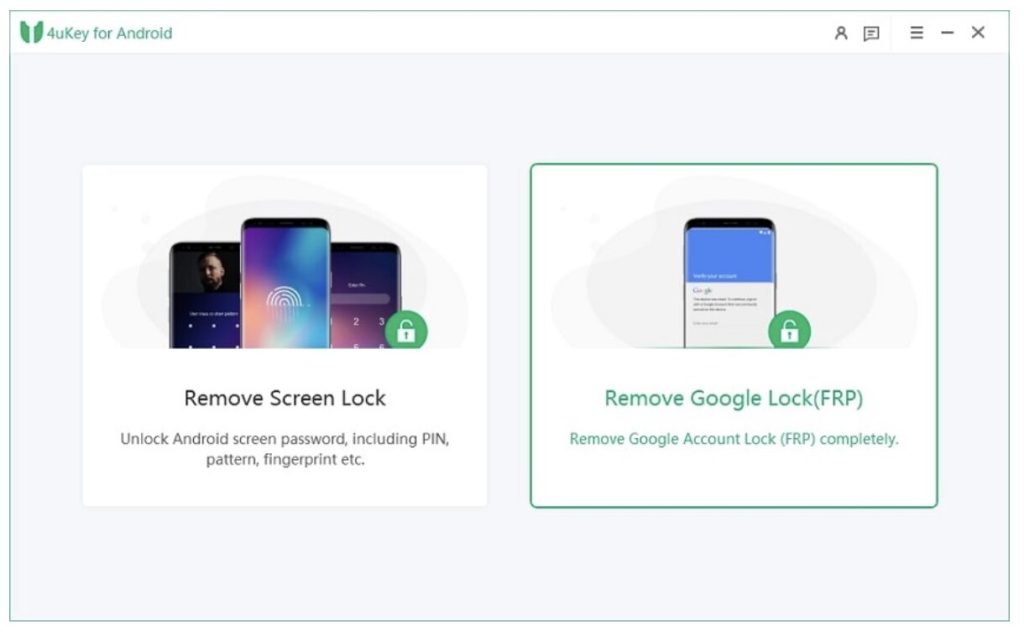
Step 3: Select FRP removal mode
Choose the option like “Remove Google Lock (FRP)”.
Step 4: Confirm device details
Select your phone brand and Android version so the tool can apply the correct method.
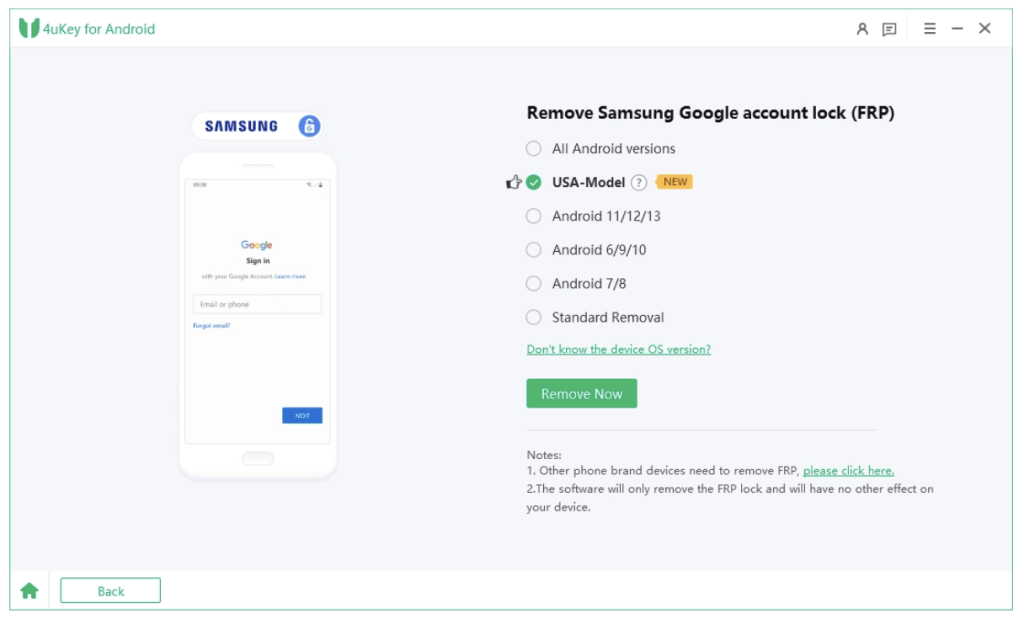
Step 5: Follow instructions
The software will guide you step-by-step depending on your device model. This part may vary slightly between brands.
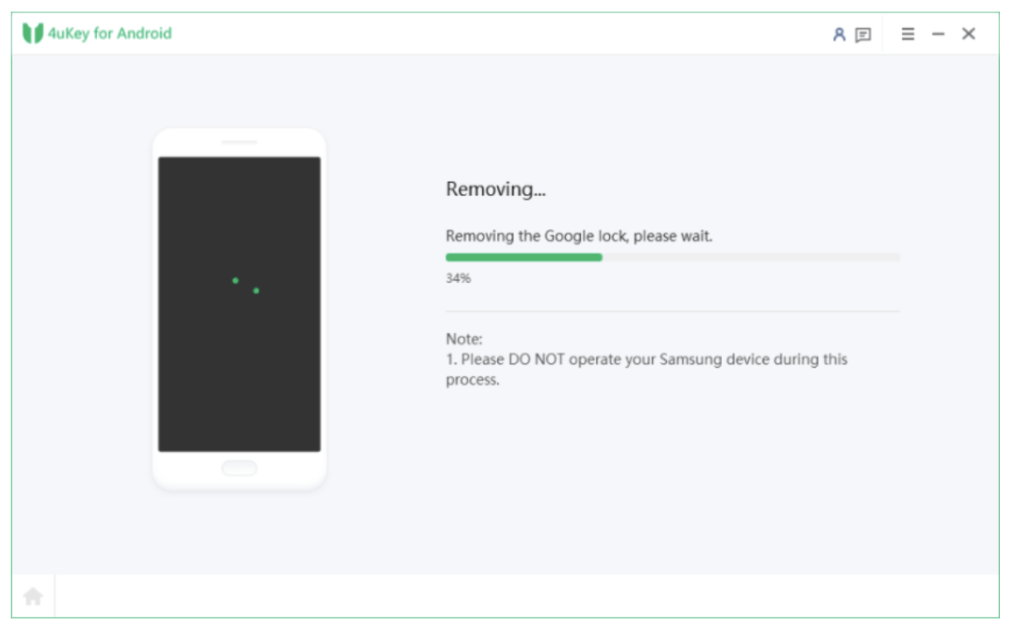
Step 6: Wait for completion
Once the process finishes, the phone will restart and the Google verification screen will be removed.
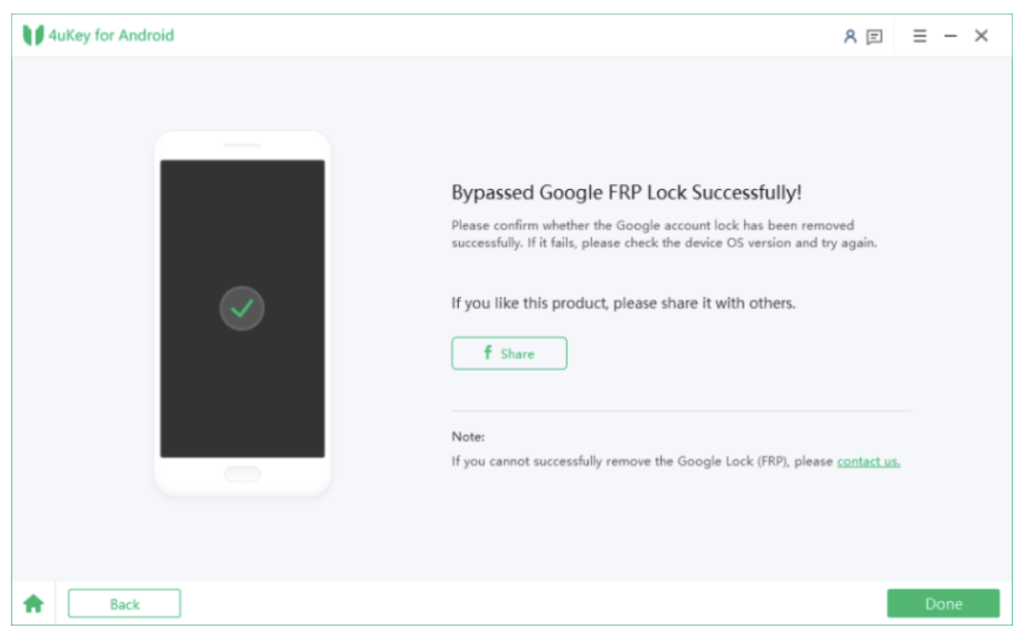
This method is widely used because it is more predictable compared to APK-based solutions.
What about “unlock FRP with IMEI free”?
You may also see claims like unlock FRP with IMEI free or online FRP unlock tool free.
Here’s the truth:
- IMEI alone cannot remove FRP
- FRP is tied to Google account authentication, not device identity
- There is no official online system that unlocks FRP instantly
- Most websites claiming this are misleading or outdated
So if you see “IMEI FRP unlock free tool”, it is not a reliable solution for modern Android devices.
Final thoughts
In 2026, there is no universal Free FRP Bypass Tool that works on every Android device. Google account recovery is still the safest option when available, while FRP bypass APK methods are mostly limited to older Android versions and often fail on newer security patches. For modern devices, PC-based solutions are generally more reliable, and tools like 4uKey for Android are commonly used when other methods don’t work.
At the same time, 2026.5.13-5.30 Tenorshare is running its 18th Anniversary campaign, which includes not only special discounts but also giveaway events and other community activities. During this period, 4uKey for Android is being highlighted as part of its updated Android unlock solutions, offering users a more stable option when dealing with FRP lock issues.