Listen up, the real pro AI creators aren’t sweating bullets in some cramped studio—they’re kicking back, sipping bourbon while Nano Banana 2 spits out insane stills and Veo 3.1 serves up smooth-as-butter cinematic clips. Want the secret sauce for your own AI drama series? It’s a literal cheat code: a heavy dose of eye-candy from Nano Banana 2 mixed with that straight-up motion magic from Veo 3.1. No more endless reshoots or flaky actors ghosting you like a bad Tinder date. You can bang out episodes faster than a crackhead blows through a settlement check. Yep, storytelling is basically broken now, and you’re the one holding the hammer.
Step 1: Concept and Character Design with Nano Banana 2
First things first: you need characters that don’t look like they’ve been through a woodchipper every time you hit remix. Nano Banana 2 is your ride-or-die for that consistent character sheet. Toss it a prompt like “young Victorian detective, jawline sharp enough to cut glass, brooding eyes that scream unresolved trauma, same face in three angles, detailed outfit reference sheet” and watch it deliver gold. This model prioritizes consistency; it actually remembers what your lad looks like instead of slapping a random snout on him like some budget plastic surgeon.
Same deal for environments. Need a foggy London alley that reeks of “mystery” and bad decisions? Or a neon-drenched cyberpunk dive bar? Nano Banana 2 serves up high-quality concept art like it’s no biggie. Pro tip: generate a base scene, then hit it with the edit brush to change up the lighting or throw in some props without diving back to square one. It saves hours of mindless screwing around. Here’s why Nano Banana 2 wins: superb face and outfit locking, and native text rendering—so a sign saying “Detective Agency” doesn’t turn into cursed alien hieroglyphs. Put a little time in now, and your series won’t look like a fever dream mash-up.
Step 2: From Image to Motion with Veo 3.1
Got your pretty pictures? Time to make ‘em crawl. Shove those clean Nano Banana Pro renders into Veo 3.1. Yeah, Nano Banana Pro is still the GOAT for those extra-fancy hero shots—higher fidelity means it’s feeding Veo better source material. Upload your character sheet or keyframe, then type something like “detective slowly haunts a foggy alley, coat flapping, dramatic low-angle tracking shot, cinematic lighting.”
Veo 3.1 chews on it and coughs up high-def video clips—often with original sound effects or some moody ambient audio if you’re feeling fancy. No more “uncanny valley” glitchiness that looks like a sleep paralysis demon, just fluid motion. Whether you want vertical for the doomscrollers or cinematic landscape for YouTube, Veo 3.1 got the memo. Those 8-second 4K clips look like they cost a fortune even though they only took five minutes of prompting.
Optimizing Workflow with Nano Banana Flash
Nobody wants to wait for full-res perfection when you’re just doodling out trash ideas. Say hello to Nano Banana flash—the little gremlin that keeps you from tearing your hair out. Use the Flash version to mock up storyboard frames iteratively. Same prompt, same character consistency—but instead of kvetching at a loading spinner, you get results in literal seconds.
Quickly rough out ten storyboard panels in under a minute: establishing shots, close-up reactions, and the big reveal. Pinpoint what looks like pants and tweak prompts on the fly. Only when it’s fire do you switch over to Nano Banana 2 or Nano Banana Pro to get the juicy high-res versions done.
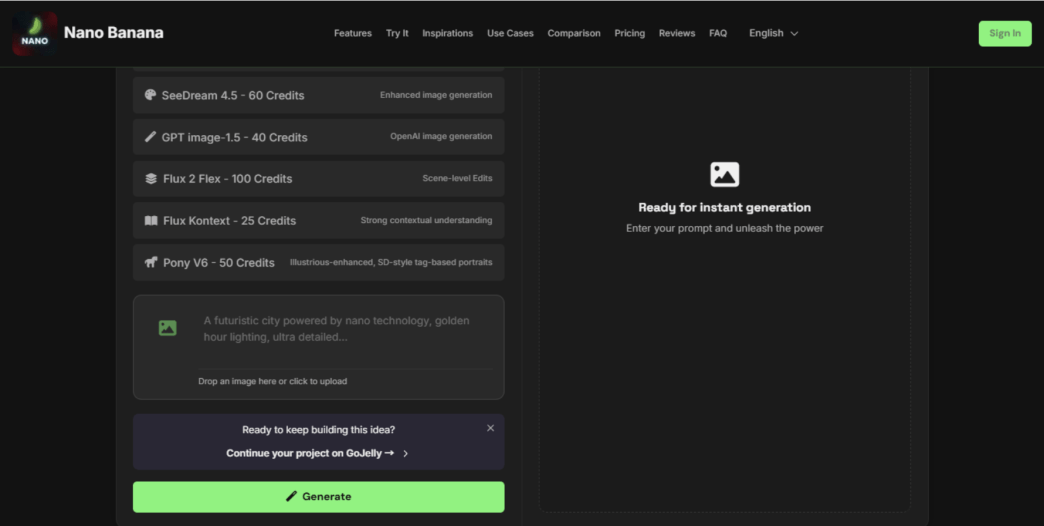
- Nano Banana flash: Super fast, perfect for drafts and solid composition.
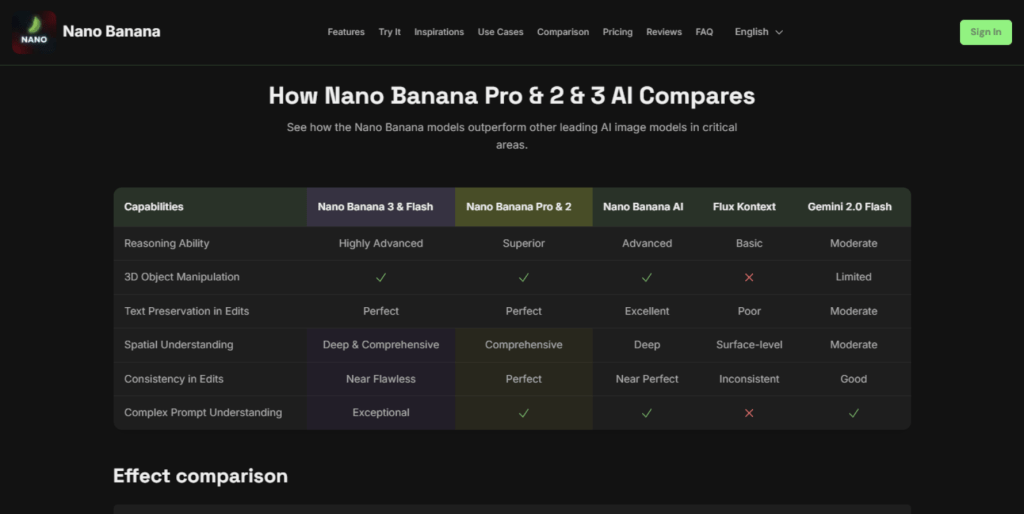
- Nano Banana 2: Speedy + high quality—your daily driver.
- Nano Banana Pro: Max fidelity for hero shots and final keys.
Flash first, fancy later. Simple as that.
The Technical Bridge: Prompt Engineering for Consistency
Here’s where most people totally screw it up. Characters “mutate” mid-scene because one prompt doesn’t match the other. Nano Banana AI (and its siblings) and Veo need to be on the same page. Always use the same descriptors: “Elias Thorne, 32, short black hair, scar over left eyebrow, grey trench coat.” Keep the lighting the same: “moody volumetric fog, cool blue tones, practical streetlamp glow.” Reference style consistently: “cinematic, Roger Deakins inspired, high contrast.”
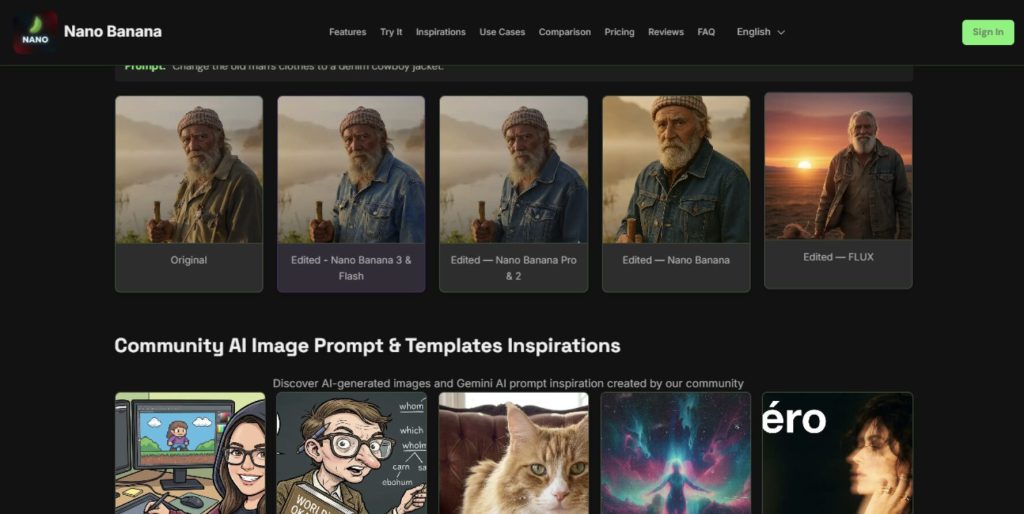
When flipping from a Nano Banana AI still to a Veo clip, upload the actual image. Veo respects the reference better than your rambling descriptions. Test one shot before you commit to a whole sequence; it avoids the nightmare of your detective randomly growing a beard halfway through a chase scene.
Final Polish: Post-Production and Assembly
You’ve got your clips; now make ’em sing—or at least pretend they’re worth watching. Throw it all in CapCut, or DaVinci Resolve if you want to feel fancy, or iMovie if you’re being basic. Add your transitions, royalty-free beats for the vibes, and subtitles for the silent doomscrollers. Colour grade lightly—boost the contrast, add a vignette. Sound design is key: bump up the footsteps and add a distant thunder rumble for that extra mood.
Export in 1080p or 4K vertical for the TikTok takeover. Upload episode one. Watch the views tick up while you drink something way stronger than tea. Repeat for episode two. Before you know it, you’ve got an AI drama empire and the algorithm is your only friend. So get to work, you lazy bastard. Your binge-worthy show isn’t going to write itself… though with this workflow, it just might!