Visual content has become the backbone of how brands communicate, whether it is a product photo on an ecommerce listing, a poster for a seasonal campaign, or a short clip for a social feed. As the volume of assets needed keeps growing, creators, marketers, designers, and content teams are increasingly turning to AI powered tools to speed up the early stages of production, from first drafts to near final versions ready for review. The challenge is no longer whether to use these tools, but how to choose the right workflow for each task.
Understanding the Modern Visual Content Workflow
Most visual projects today move through several stages: ideation, drafting, refinement, and final preparation for publishing. Platforms like AI Image Editor, a practical platform for creators, marketers, designers, ecommerce teams, and content teams that need to generate, edit, and prepare visual assets, have emerged to support this full arc rather than a single step in isolation. Instead of switching between separate apps for generation, editing, resizing, and upscaling, teams can move through these stages in one place, which reduces friction and keeps a project’s assets organized. Understanding this broader workflow, rather than fixating on any one tool, is the first step toward using AI generation and editing effectively.
A useful way to think about the process is to separate it into two broad categories, image creation and image refinement. Creation covers generating a new visual from a written description or an existing reference, while refinement covers adjustments made after that first draft, such as fixing details, removing backgrounds, or preparing an asset for a specific placement. Most projects touch both categories at some point, so it helps to have access to tools that support each stage without forcing a switch in software.
Text to Image Creation and Reference Led Editing
Text to image generation is often the starting point for new visual concepts. A marketer might describe a scene for a campaign, or a designer might sketch out an idea in words before committing to a direction. This approach is useful for early exploration, when the goal is to see several possible directions quickly rather than commit to one immediately.
Image to image editing and reference led refinement serve a different purpose. Rather than starting from a blank prompt, these workflows begin with an existing image, whether a rough draft, a product photo, or a brand asset, and use it as a foundation for targeted changes. This is particularly useful when consistency matters, such as keeping a product’s shape and proportions accurate while changing its background or lighting. Teams that need to preserve specific details, like a logo placement or a person’s likeness in an approved photo, generally find reference led editing more reliable than generating an entirely new image from scratch, since it keeps the original structure intact while allowing controlled adjustments.
Product Visuals and Marketing Creatives for Ecommerce Teams
Ecommerce and marketing teams face a particular kind of pressure, producing a high volume of visuals across product pages, ads, and social posts, often on a tight schedule. Product visuals need to look accurate and consistent across a catalog, while marketing creatives need to adapt quickly to seasonal themes, promotions, or platform specific formats.
For product visuals, the priority is usually fidelity, making sure colors, textures, and proportions stay true to the actual item. For marketing creatives, there is more room for stylistic variation, since the goal is often to capture attention rather than represent a physical object with precision. Posters, thumbnails, and ad concepts each come with their own visual conventions, such as bold typography space on a poster or a clear focal point on a thumbnail, and these conventions should guide how an asset is generated and edited, not just the underlying technology used to produce it.
Because these use cases differ so much in what they prioritize, it rarely makes sense to lock a team into a single fixed process. Instead, having access to multiple approaches, and choosing between them based on the asset’s purpose, tends to produce more consistent results over time.
Choosing the Right Model: When Nano Banana 2 Fits Your Workflow
Not every image model behaves the same way, and the differences matter more than they might first appear. Some models are tuned for photorealistic detail, others for stylized or illustrative output, and others for balancing generation speed with quality. AI Image Editor brings together several image model pages, including GPT image 2, Nano Banana 2, and Seedream 5 Lite, so that teams can compare how each one handles a given prompt or reference image before settling on a final asset.
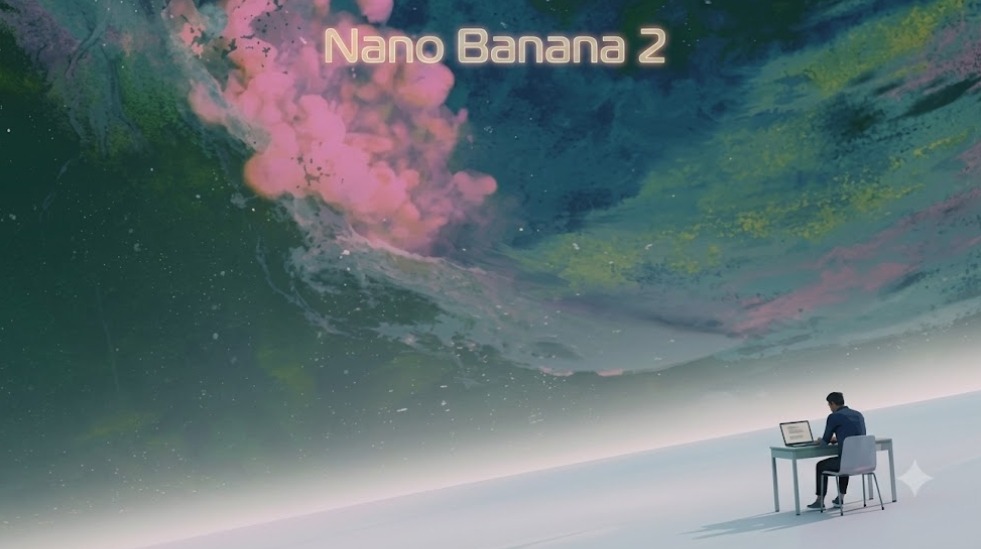
Nano Banana 2, as one of the model options available, may suit certain workflows better than others depending on the desired output, the source assets involved, and how much manual review a project can accommodate. Rather than treating any single model as universally the right choice, it is more useful to test a task against a few options and evaluate the results against the specific brief, whether that means closer adherence to a reference image, a particular visual style, or output that requires less manual cleanup afterward. This kind of comparison based selection tends to produce more predictable outcomes than committing to one model by default.
Background Removal, Upscaling, and Final Touches
Once an image reaches a near final stage, a few practical adjustments often remain. Background Remover style tools isolate a subject from its surroundings, which is useful for placing a product on a clean white backdrop or compositing an element into a different scene. Image Upscaler tools increase resolution for cases where an asset needs to be larger than its original size, such as a print poster or a high resolution banner. These finishing tools are typically less about creative direction and more about meeting technical requirements for a specific placement or output format.
Expanding Into Short Form Video
As short form video continues to grow across social platforms, some teams are extending their visual workflows beyond static images. Text to video, image to video, and reference to video approaches each start from a different input, a written prompt, a still image, or an existing clip, and produce a moving result. Video editing tools then allow further adjustment once an initial clip is generated. As with image models, the right video workflow depends on what source material is available and how much creative control the project requires.
Conclusion
There is no single correct way to produce visual content with AI tools, only a set of workflows suited to different starting points and goals. Teams that take time to match their task, whether it is a product photo, a marketing creative, or a short video clip, to an appropriate model and process tend to get more consistent, usable results than those relying on one default option for everything. Before using any AI generated or edited asset commercially, it is worth reviewing the relevant platform terms, model specific licensing, and any applicable third party rights, including trademark, copyright, and likeness considerations, to make sure the final output is appropriate for its intended use.