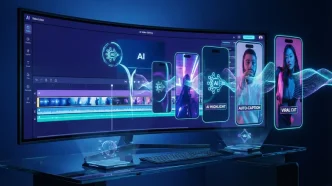
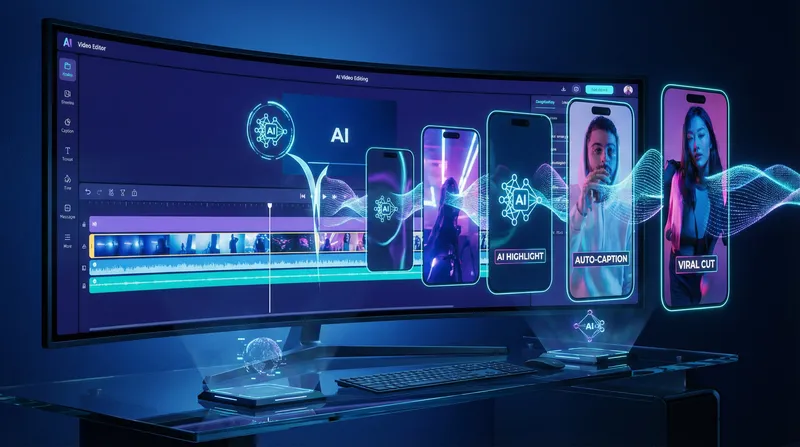
Explainer videos present technology in a simplified manner for all. These formats help audiences grasp complex concepts about products, services, or processes quickly. Here are a few things to consider before actually starting the creation process. A well-prepared message yields excellent results. So, what should individuals, teams, and corporates remember before creating a technology explainer video? This article addresses these aspects.
Understanding the Target Audience
Your target audience are the most important people who will watch your technology explainer videos. Various groups have different preferences and different levels of technical understanding. For example, a professional video could have sophisticated vocabulary, while a beginner’s clip will not use jargon. Research information about your audience. Your videos’ tone, style, and detail will depend on that info and your audience’s needs and expectations.
Clarifying the Core Message
Explainer videos highlight a single message. Covering multiple points will create confusion. Before writing the script, decide what information viewers must retain the most. Ensure the content is straightforward and easy to remember. Framing the primary subject prevents the narrative from losing its flow due to unnecessary details.
Choosing the Right Visual Style
Visuals are the biggest facilitator for sharing information. Depending upon the subject matter and the audience group, it can be purely animated, live-action, or both. Having a few basic graphics can make advanced or technical concepts less intimidating. Using the same colors, fonts, and icons allows for better identification and understanding. Aligning the visual style with your organization’s branding also creates trust and comfort.
Planning the Script Carefully
The backbone of an explainer video is a well-written script. Use crisp sentences and plain English to explain the concept. To keep your audience engaged, do not use filler words; you should be concise. The script should follow a logical flow from problem to solution. Incorporating relevant examples helps make the content more relatable. Review a video’s script for clarity and accuracy to ensure the message is what you want to convey.
Prioritizing Sound and Voiceover Quality
Audio quality plays a crucial part in how the viewer interprets the message. A clear-cut, friendly voiceover allows audiences to easily comprehend technical details. The background music in a video should never overshadow the subplot and narration, and there should be virtually no overlap. A video’s audio must also be clear with no background noise.
Ensuring Accessibility for All Viewers
You must create videos that allow everyone to access them. Include captions for the hearing-impaired viewers. Straightforward language and clear visuals support those with limited experience in a tech background. Text should be easily readable with sufficient color contrast from the background for visually challenged individuals. Transcripts provide one more avenue to supplement audiences with the content.
Testing and Gathering Feedback
Testing a new video with a small audience may uncover any issues ahead of time. Feedback can draw attention to jarring aspects of your film or visuals. Improvements to your final video will depend on this feedback adjustment. Remember to gather feedback from people of different backgrounds to ensure that the content targets a wider audience.
Measuring Success After Release
Track video performance once it is live, so views, watch time, and feedback serve as clues to what works. Positive comments and shares on your explainer videos typically indicate their resonance with the target audience. This information will help you identify improvement areas if your audience drops off early. Repeat this analysis regularly to help set the course for future explainer video projects.
Conclusion
The visual and auditory aspects of creating technology explainers are important. You must also understand your audience, maintain focus, and meticulously plan your testing and feedback through accessibility to polish what you deliver. Tracking progress offers advantages for future projects. Measured planning at each step will help you create tech explainer videos that are stimulating and beneficial.