Getting stuck on the “iPhone Locked to Owner” screen is one of those situations that instantly turns your device into a brick. It usually happens when the device is still linked to a previous Apple ID, triggering Apple’s iCloud Activation Lock.
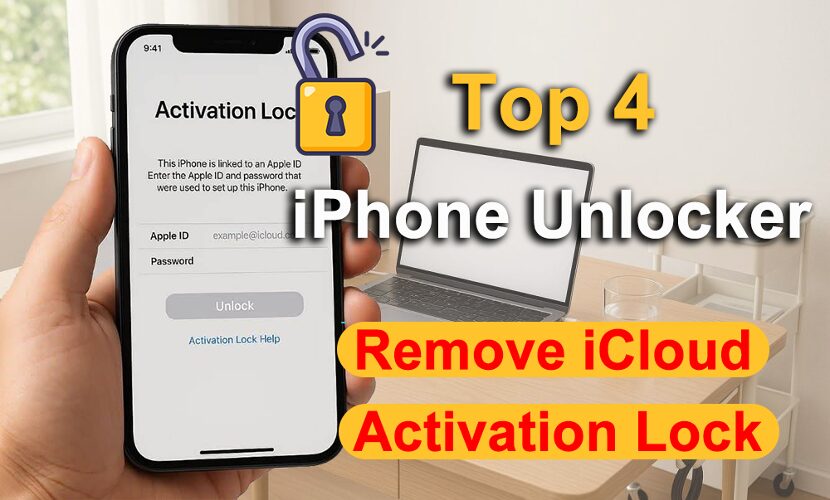
If you don’t have access to that Apple ID, things can get tricky. That’s exactly why many users start looking for iPhone unlocking tools for iCloud Activation Lock, something that actually works in real situations, not just theory. In this guide, we’ll break down the top 4 iPhone unlocking tools that can help remove Activation Lock, based on usability, success rate, and real-world performance.
What to Look for in an Activation Lock Removal Tool
Before jumping into the list, it’s worth knowing what actually matters when choosing a tool. Reliable iPhone unlocking software usually focuses on:
- Compatibility with the latest iOS versions
- Ease of use (especially for beginners)
- Stable success rate across different lock scenarios
- Support for multiple locks (Activation Lock, Apple ID, passcode, etc.)
#1 MagFone iPhone Unlocker (Best Overall Choice)
If you just want something that works without overcomplicating things, MagFone iPhone Unlocker is usually the easiest place to start. It’s built for real-world scenarios, whether your iPhone is locked to owner, disabled, or stuck behind an Apple ID you can’t access.
Why it stands out
- Clean, beginner-friendly interface
- Handles multiple lock types in one tool
- Consistently achieves high success across a variety of lock situations.
- Works smoothly with newer iOS versions
- Straightforward process with minimal manual steps
- Better customer service with the highest user satisfaction.
How to Bypass iCloud Activation Lock Using MagFone iPhone Unlocker
If you’re specifically trying to figure out how to bypass iCloud Activation Lock, the process with a dedicated tool is actually much simpler than most people expect.
Step 1: Install and launch the program, choose “Remove iCloud Activation Lock”
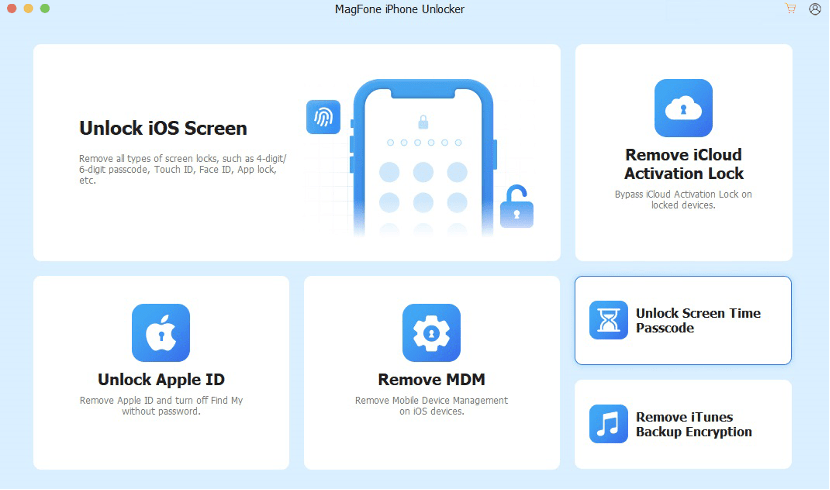
Download and open MagFone iPhone Unlocker on your computer, then connect your iPhone using a USB cable. From the main interface, select the option designed for Activation Lock removal.
Step 2: Follow on-screen instructions to jailbreak iOS
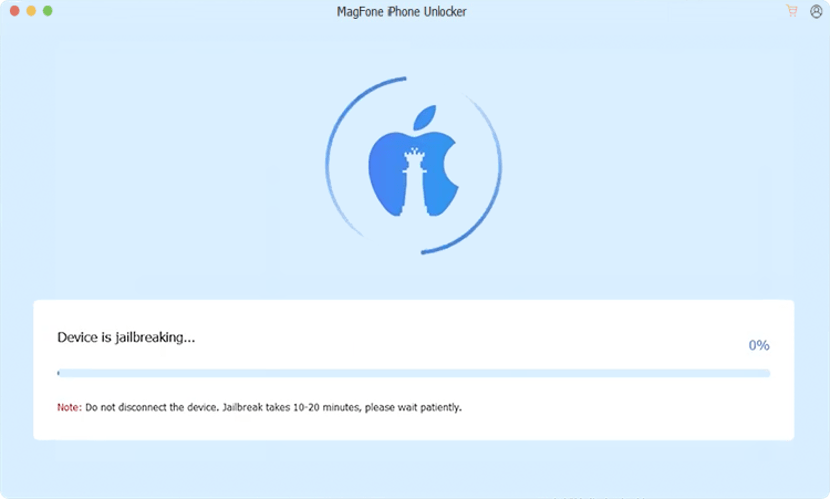
You’ll be guided to put your device into Recovery Mode or DFU mode. Just follow the prompts shown in the software to jailbreak your iPhone.
Step 3: Start the unlocking process
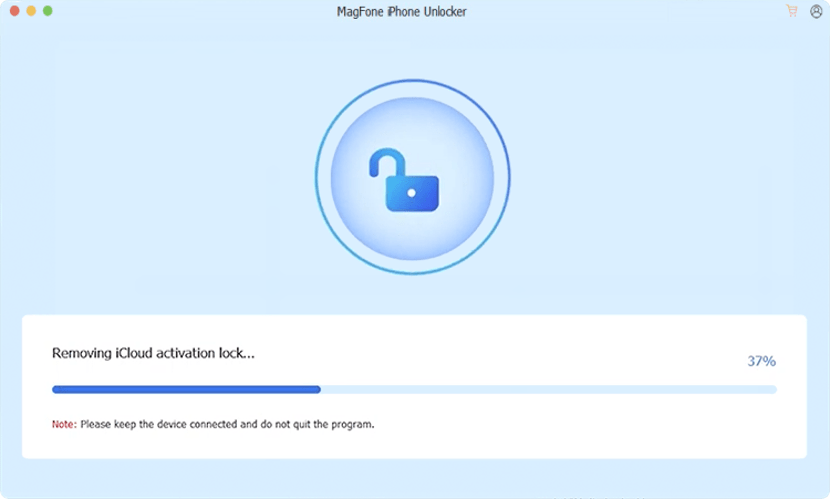
You’ll be guided to put your device into Recovery Mode or DFU mode. Just follow the prompts shown in the software to jailbreak your iPhone.
Step 3: Start the unlocking process