


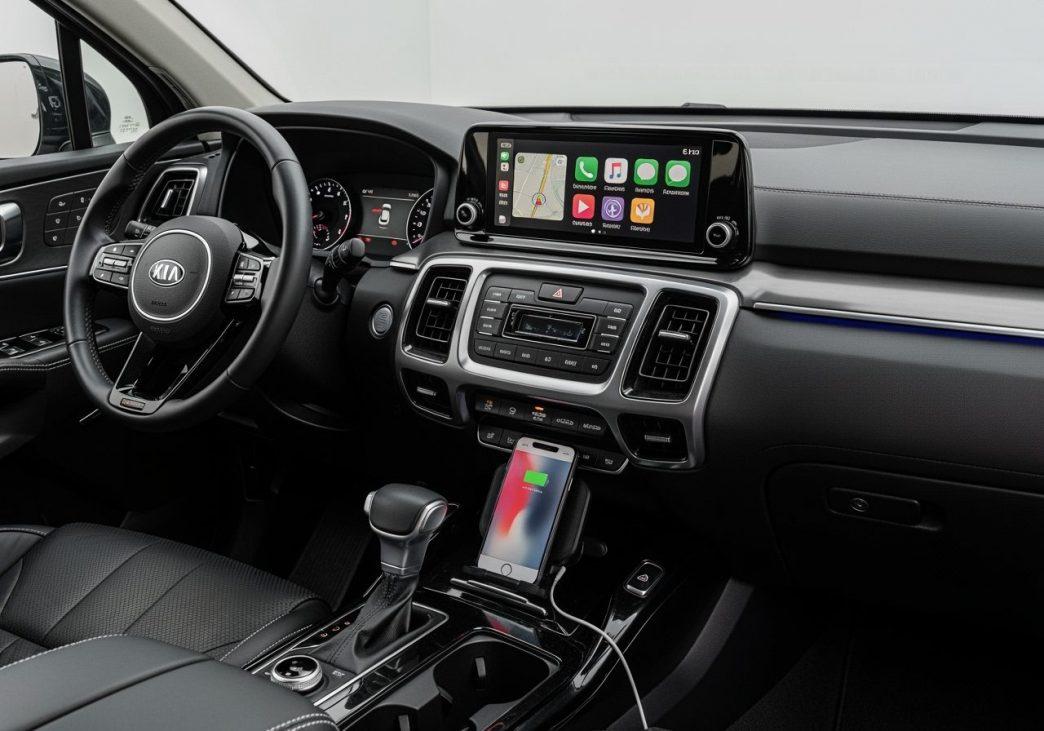
Connecting your smartphone to your vehicle can transform your daily drives. It brings your favorite apps and features right to your car’s display. For Kia Sorento owners, Apple CarPlay offers this seamless integration.
We understand the importance of staying connected and focused on the road. That’s why Apple CarPlay is a game-changer. It mirrors your iPhone interface onto your Sorento’s infotainment screen. This gives you easy access to navigation, music, messages, and more.
In this guide, we will explore everything you need to know about using Apple CarPlay in your Kia Sorento. We’ll cover compatibility, setup steps, and troubleshooting common issues. Our goal is to help you open up the full potential of your Sorento’s in-car technology.
Apple CarPlay is a smarter, safer way to use your iPhone in the car. It takes the things you want to do with your iPhone while driving and puts them right on your Sorento’s built-in display. This includes turn-by-turn directions, making calls, sending and receiving messages, and listening to music. Instead of fumbling with your phone, you can control these features directly through your Sorento’s infotainment system, either via the touchscreen, physical controls, or voice commands with Siri.
This smartphone integration transforms your driving experience by bringing the familiarity and functionality of your iPhone into your vehicle’s UVO interface. It’s designed to minimize distractions and keep your focus on the road, enhancing both convenience and safety. By projecting a simplified, car-friendly version of your iPhone’s screen, CarPlay allows you to access essential apps without needing to pick up your device.
The core benefits
The advantages of integrating Apple CarPlay into your Kia Sorento are numerous and impactful:
- Familiar interface: One of the most significant benefits is the instantly recognizable interface. If you’re an iPhone user, navigating CarPlay feels natural and intuitive. This reduces the learning curve often associated with new car infotainment systems, allowing you to get comfortable quickly.
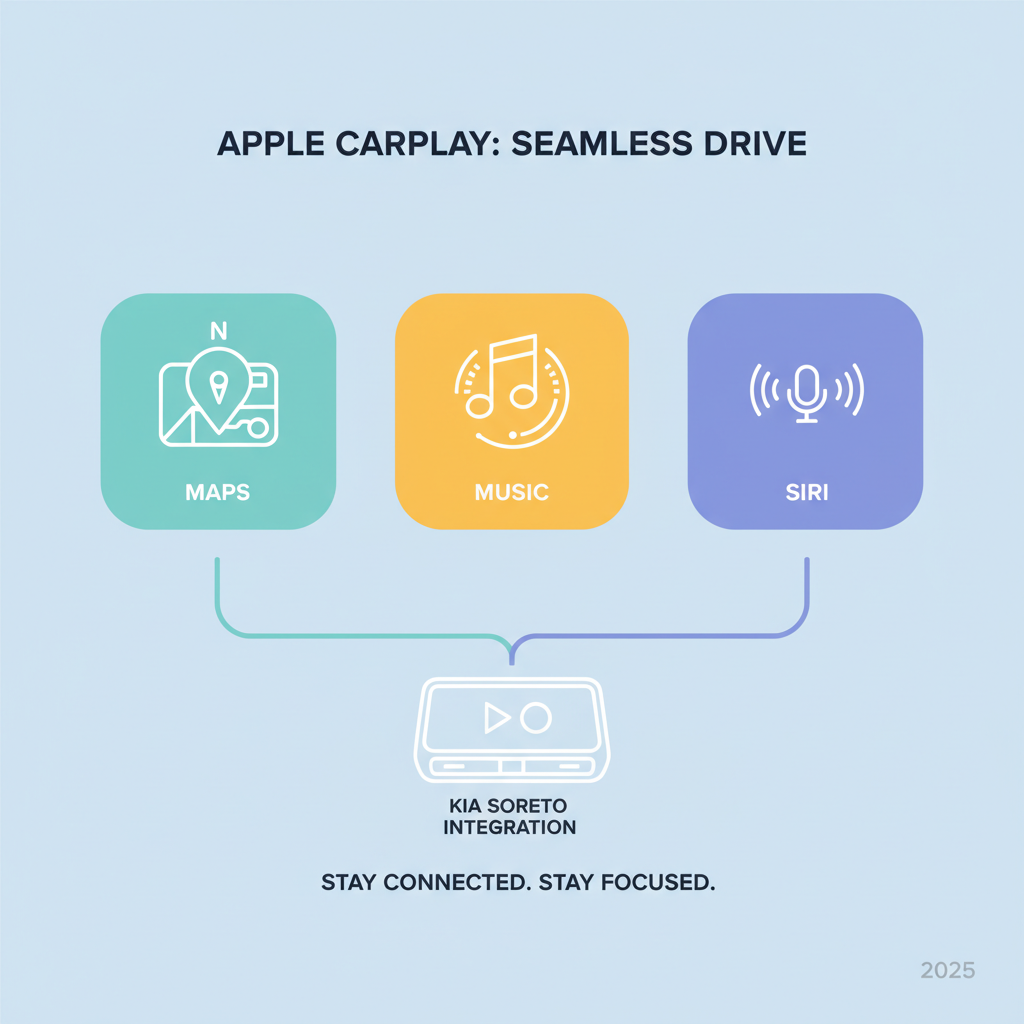
- Access to iPhone apps: CarPlay provides access to a curated selection of your iPhone’s apps, optimized for in-car use. This includes navigation apps like Apple Maps, Google Maps, and Waze; communication apps for calls and messages; and audio apps such as Apple Music, Spotify, podcasts, and audiobooks. You get to use the apps you already know and love, complete with your personalized settings and data.
- Voice control with Siri: Safety is paramount, and Siri is CarPlay’s answer to hands-free operation. With a simple press of the voice command button on your steering wheel or by saying “Hey Siri,” you can make calls, send texts, get directions, play music, and more, all without taking your hands off the wheel or your eyes off the road. This voice-activated assistant makes managing your digital life while driving incredibly convenient and safe.
- Real-time navigation: Gone are the days of outdated in-car navigation maps. CarPlay leverages your iPhone’s navigation apps, providing real-time traffic updates, estimated arrival times, and up-to-the-minute point-of-interest information. Whether you prefer Apple Maps, Google Maps, or another compatible navigation app, you’ll always have the latest routes and directions at your fingertips.
- Improved driving experience: Beyond individual features, CarPlay collectively enhances the overall driving experience. It makes long commutes more enjoyable with access to your favorite audio content, reduces stress with reliable navigation, and keeps you connected to your contacts without compromising safety.
- Safety benefits: By centralizing access to essential phone functions and presenting them in a driver-friendly format, CarPlay significantly reduces the temptation to interact directly with your iPhone. This focus on hands-free and glanceable information contributes to a safer driving environment for you and your passengers.
Apple CarPlay Compatibility: Which Sorento models are supported?
Understanding which Kia Sorento models and trims support Apple CarPlay is crucial for current and prospective owners. Kia has progressively rolled out CarPlay across its lineup, with availability varying by model year and sometimes by trim level or infotainment system.
Here’s a general overview of Apple CarPlay availability in the Kia Sorento:
Model Year CarPlay Availability Notes 2015-2016 Update Required. Initially not available. Certain models (e.g., KX-2 with a 7-inch navigation system, KX-3 with an 8-inch navigation system) could be updated at a main dealer in 2017. In 2017, Optional / Late Availability CarPlay was introduced as an optional feature with late availability. 2018-2019 Standard (most trims) Generally became a standard feature on most trims. 2020 Standard (all trims) Comes standard with Apple CarPlay™ across all trims. 2021-2024 Standard (all trims) Standard across all trims, with wireless CarPlay becoming more prevalent. 22025 Standard (all trims) The 2025 Kia Sorento Hybrid comes standard with Apple CarPlay across all trims, often with a 10.25-inch or larger display.
Model Year Variations: As shown in the table, 2017 was a pivotal year for the Kia Sorento, introducing Apple CarPlay as an optional feature with limited availability. Before this, it wasn’t natively supported. By the 2020 model year, Kia made a significant move, offering Apple CarPlay as a standard feature across all Sorento trims, simplifying the decision for buyers. This trend continues with the 2025 Kia Sorento Hybrid, where it’s also standard.
Trim Level Differences: In earlier years (e.g., 2017), CarPlay might have been part of a technology package or specific trim levels. However, for more recent models (2020 onwards), it has largely become standard across the entire trim lineup, meaning even base models benefit from this integration.
Standard vs. Optional Feature: While older models might have required specific infotainment upgrades or packages to include CarPlay, newer Sorentos typically offer it as a standard feature. This reflects the growing demand from consumers for seamless smartphone integration in vehicles.
Infotainment Screen Sizes: CarPlay integrates with various screen sizes found in the Sorento. Early compatible models might have featured 7-inch or 8-inch displays. More recent Sorento models, such as the 2025 Hybrid, feature larger 10.25-inch or even 12.3-inch touchscreen navigation systems, all of which support Apple CarPlay. The larger screens provide a more immersive and user-friendly experience for navigating apps.
Upgrading older Sorento models
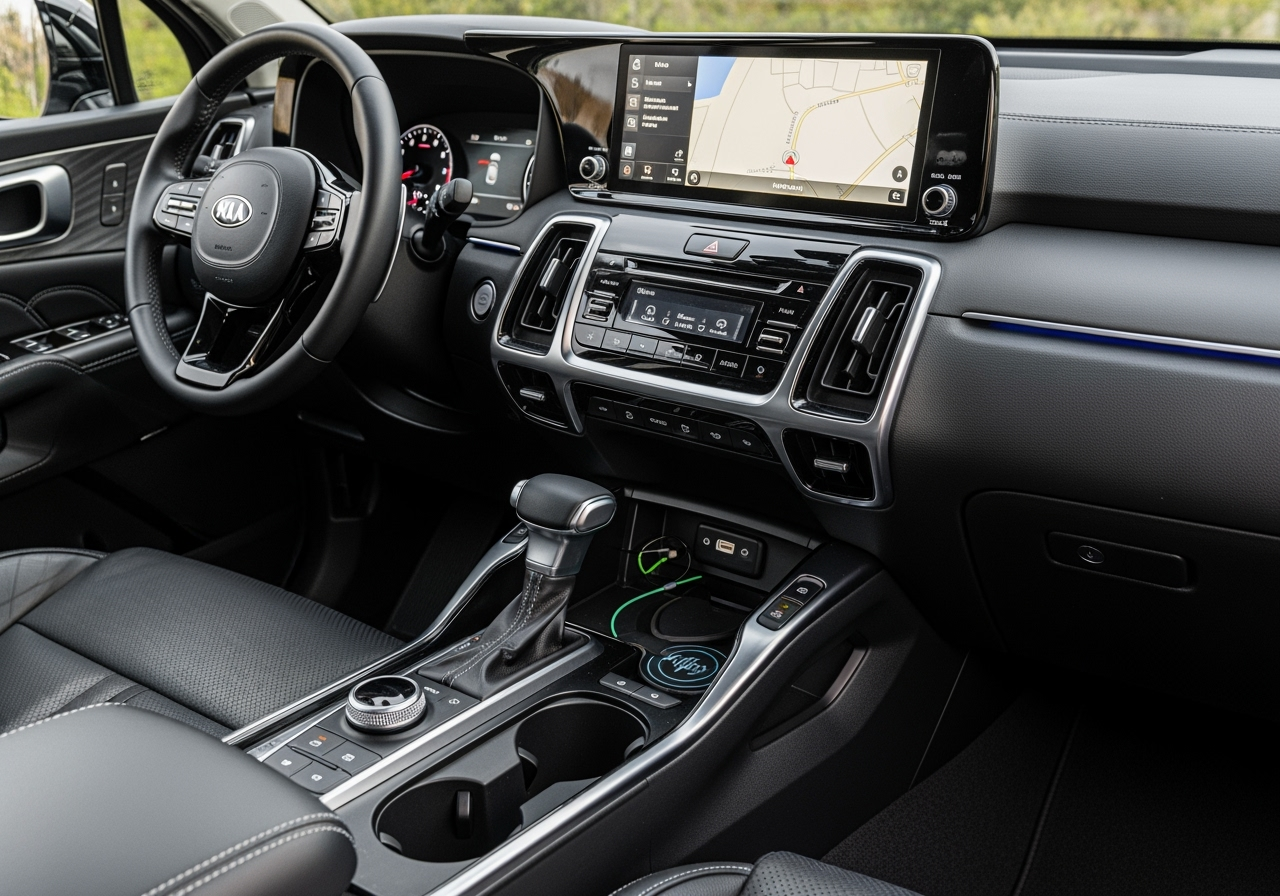
For owners of 2015-2017 Kia Sorento models, there’s good news: some of these vehicles can be updated to support Apple CarPlay.
- 2015-2017 Sorento: Specifically, the 2015-2017 Kia Sorento KX-2 with the 7-inch navigation system and the 2016 Kia Sorento KX-3 with the 8-inch navigation system were eligible for a software update. This update, typically performed at a main Kia dealer, enabled both Apple CarPlay and Android Auto functionality. The availability of this update may vary by region (e.g., UK models have been confirmed to receive it).
- Dealer Software Updates: If you own one of these older models, your best course of action is to contact your local authorized Kia dealership for assistance. Please provide them with your vehicle’s exact model year, trim, and ideally, your Vehicle Identification Number (VIN) or chassis number. They can check their systems to confirm if your specific vehicle is eligible for the CarPlay software update.
- Map Updates vs. Non-Navigation Updates: For vehicles without built-in navigation that still wish to gain CarPlay, a “Non-Navigation Update” might have been required instead of a traditional “Map Update.” The key is to ensure the update specifically mentions the addition of CarPlay functionality.
- Checking Compatibility: Always verify compatibility with Kia directly. While forum discussions and general information can be helpful, the definitive answer for your specific Sorento will come from an official Kia source or dealership. They can advise on the process, potential costs (if any), and what to expect from the update.
How to set up and use Apple CarPlay for the Kia Sorento
Setting up Apple CarPlay in your Kia Sorento is a straightforward process, whether you’re using a wired or wireless connection. We’ll walk you through the general steps, keeping in mind that specific menu names might vary slightly between Sorento model years.
Connecting for the first time: A step-by-step guide
Before you begin, ensure your iPhone meets the basic requirements:
- iPhone requirements: You need an iPhone 5 or a newer model. Your iPhone should also be running the latest version of iOS to ensure optimal compatibility and performance. Crucially, Siri must be enabled on your iPhone (Settings > Siri & Search).
Here’s how to set up Apple CarPlay in your Sorento:
- Enable CarPlay on your Sorento’s infotainment system:
-
- Start your Kia Sorento.
- On the vehicle’s infotainment screen, press the “Setup” button (or steer to “Settings”).
- Look for a “Connectivity” or “Phone Projection” menu.
- Select “Apple CarPlay” from the list of options and ensure it is toggled “On” or “Enabled.”
- Connect your iPhone:
-
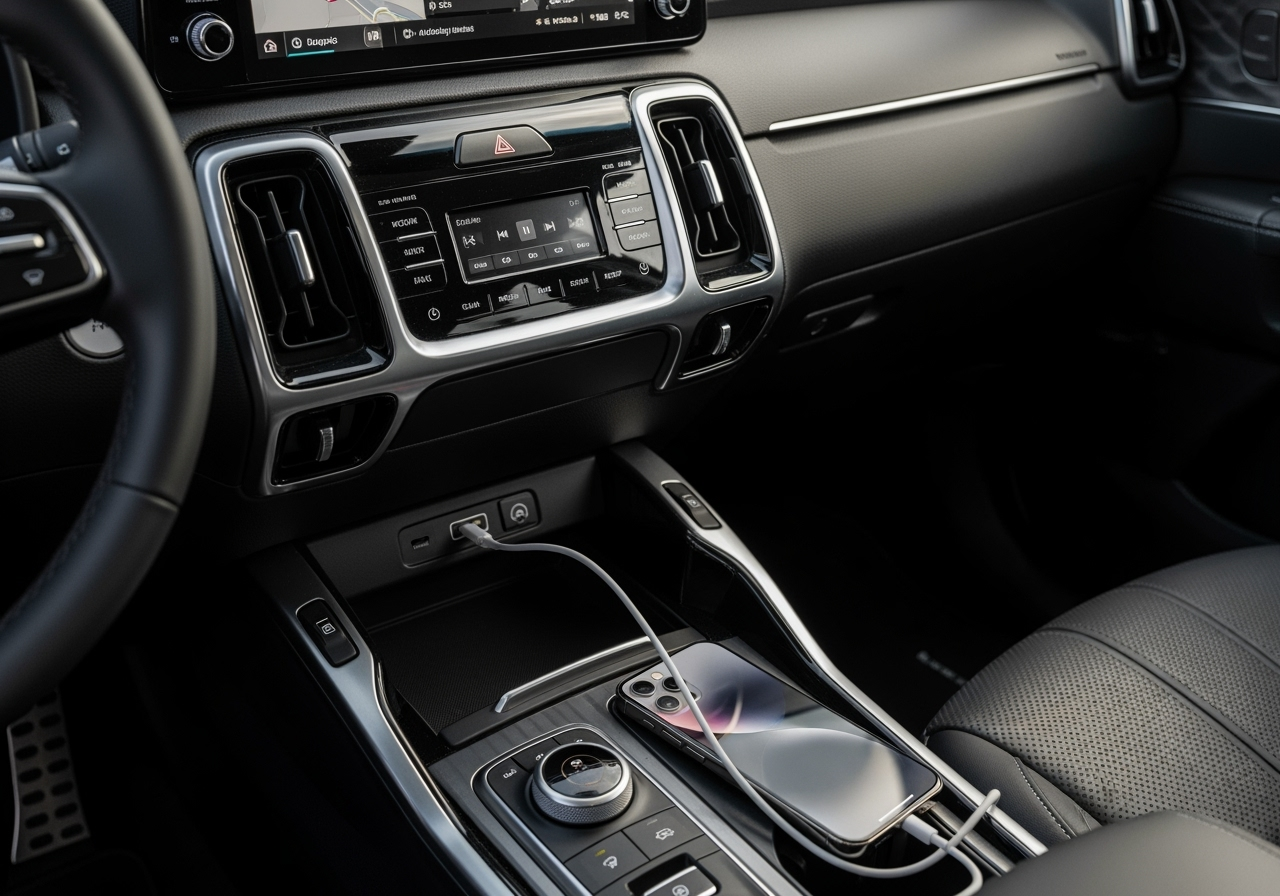
- For Wired CarPlay: Use a high-quality, genuine Apple Lightning-to-USB cable. Connect one end to your iPhone and the other end to the USB data port in your Kia Sorento (this is usually the port specifically marked for smartphone integration, not just a charging port).
- For Wireless CarPlay (available on newer Sorento models): Ensure Wi-Fi and Bluetooth are enabled on your iPhone.
- On your Sorento’s Home screen, go to “Settings” > “Phone connections” > “Phone connections” > “Add new.”
- On your iPhone, go to “Settings” > “Bluetooth” and select your Sorento’s system from the list of searched devices.
- Confirm that the verification code displayed on both your iPhone and the Sorento’s screen matches.
- Approve the connection from your iPhone.
- A pop-up window on your Sorento’s screen may ask if you want to enable Apple CarPlay. Press “Yes.”
- You may also need to agree to “Enable Apple CarPlay” on your iPhone.
- Accept On-Screen Prompts:
-
- Once connected (either wired or wirelessly), your Sorento’s screen may display prompts or terms and conditions related to Apple CarPlay.
- Launching CarPlay:
-
- After accepting, the Apple CarPlay interface should automatically appear on your Sorento’s display if it doesn’t, look for an “Apple CarPlay” icon on your Sorento’s home screen and tap it.
- You are now ready to use CarPlay! You can access navigation, make calls, send messages, and play music directly from your car’s screen. To use Siri, press the voice recognition button on your steering wheel or say “Hey Siri” if enabled on your iPhone.
Customizing your Apple CarPlay for the Kia Sorento interface
CarPlay allows for a degree of personalization to suit your preferences. You can manage which apps appear on your Sorento’s screen and their order directly from your iPhone.
- iPhone Settings: On your iPhone, go to “Settings” > “General” > “CarPlay.”
- Select Your Kia Model: You should see your Kia Sorento listed. Tap on it.
- Rearranging and Adding/Removing Apps: Here, you’ll find a list of compatible apps. You can:
- Rearrange Apps: Touch and hold an app icon, then drag it to your desired position.
- Remove Apps: Tap the minus (-) sign next to an app to remove it from your CarPlay home screen. This doesn’t delete the app from your iPhone; it only removes it from the CarPlay interface.
- Add Apps: Apps that are compatible with CarPlay but not currently on your home screen will appear under a “More Apps” section. Tap the plus (+) sign next to an app to add it.
This customization ensures that your most frequently used apps are easily accessible, making your CarPlay experience even more efficient and customized to your driving needs.
Troubleshooting common Kia Sorento CarPlay issues
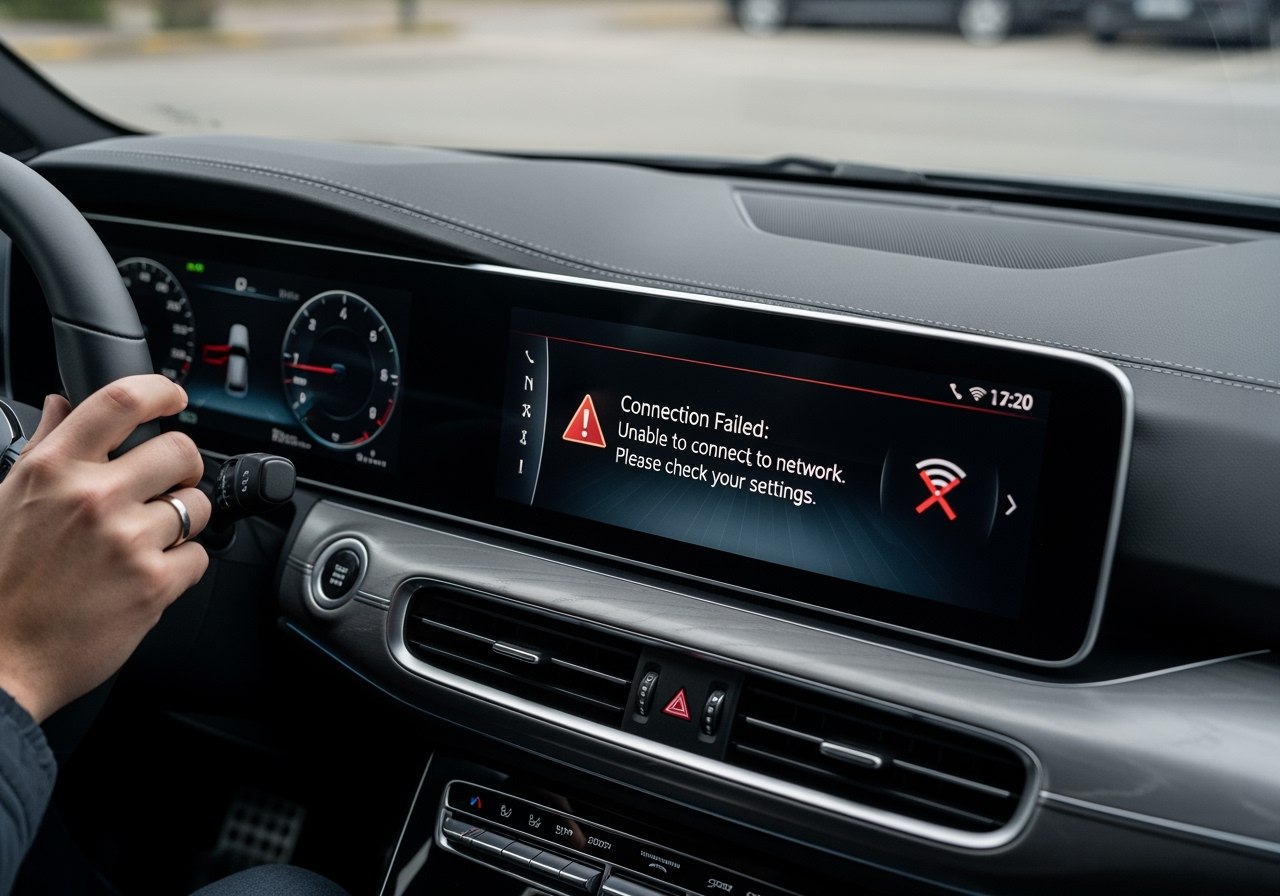
While Apple CarPlay generally offers a reliable experience, users might occasionally encounter issues. We understand that a smooth connection is vital for an enjoyable drive, so let’s address some common problems and how to resolve them.
Common issues:
- Wireless disconnects: This is a frequently reported issue, especially with wireless CarPlay. The connection might drop unexpectedly, requiring you to reconnect.
- Connection failure: CarPlay won’t connect, either wirelessly or via a wired connection.
- Unresponsive screen: The CarPlay interface appears on the Sorento’s screen but doesn’t respond to touch inputs.
- Audio problems: Music or call audio may cut out, be distorted, or fail to play through the car’s speakers.
- Software glitches: In rare cases, system errors can disrupt a Seamless Apple CarPlay Sorento experience, often requiring dealer support or a software update to resolve underlying issues.
Fixing wireless CarPlay disconnects
The issue of wireless Apple CarPlay randomly disconnecting has been a particular concern for some Sorento owners, especially those with the 2021 model year. Here’s how we can approach troubleshooting:
Dealer Software Update (Specific to 2021 Sorento): For 2021 Kia Sorento owners experiencing random wireless Apple CarPlay disconnections, Kia has released a software update to address this issue. This update must be performed in-person at an authorized Kia dealership; it is not an over-the-air update. If you own a 2021 Sorento and are facing this problem, schedule a service appointment with your dealer.
Re-pairing Devices: For both wired and wireless issues, a fresh start often helps.
- Delete the connection: On your Sorento’s infotainment system, go to “Settings” > “Phone connections” and delete your iPhone from the list of registered devices.
- Forget the car: On your iPhone, go to “Settings” > “Bluetooth,” find your Sorento in the list, tap the “i” icon next to it, and select “Forget This Device.” Do the same for Wi-Fi if you previously connected directly to the car’s Wi-Fi.
- Restart both devices: Turn off your iPhone completely and restart it. Also, turn off your Sorento, open and close the driver’s door (to ensure the infotainment system fully powers down), and then restart the vehicle.
- Reconnect: Follow the initial setup steps again to re-pair your iPhone with your Sorento.
Check Your Cable (for Wired CarPlay): If you’re using wired CarPlay, the quality of your USB cable is paramount.
- Use a genuine Apple Lightning cable: Aftermarket or damaged cables can cause intermittent connections or prevent CarPlay from activating.
- Inspect the cable: Look for any frays, bends, or damage to the connectors.
- Try a different port: If your Sorento has multiple USB ports, try connecting to a different one.
- Check iPhone Settings:Siri Enabled: Ensure Siri is active on your iPhone (Settings > Siri & Search). CarPlay relies on Siri for voice commands.
- CarPlay Restrictions: On your iPhone, go to “Settings” > “Screen Time” > “Content & Privacy Restrictions” > “Allowed Apps” and make sure “CarPlay” is enabled.
- iOS Updates: Keep your iPhone’s iOS software up to date with the latest version. Software bugs are often resolved in updates.
Clean USB Ports: Dust or debris in your iPhone’s Lightning port or the Sorento’s USB port can interfere with the connection. Gently clean them using a dry, non-metallic tool, such as a wooden toothpick.
Reset Infotainment System: Some Sorento models have a small reset button (often a tiny pinhole) on the infotainment unit. Please refer to your owner’s manual for the location and instructions on how to perform a soft reset. This can sometimes clear minor software glitches.
By systematically working through these troubleshooting steps, we can often resolve the most common Apple CarPlay connectivity issues in your Kia Sorento. If problems persist, don’t hesitate to contact your Kia dealership for further assistance, as they have specialized diagnostic tools and expertise.
Integrating Apple CarPlay into your Kia Sorento truly transforms your driving experience. From the moment you connect your iPhone, you unlock a world of convenience, familiarity, and enhanced safety. We’ve seen how CarPlay brings your favorite navigation, music, and communication apps directly to your Sorento’s display, all of which are controllable through intuitive touch or powerful voice commands via Siri.
The journey of CarPlay compatibility in the Sorento highlights Kia’s commitment to modern technology, as it has transitioned from optional features in earlier models to standard inclusion across all trims in recent years. For owners of older Sorentos, the possibility of dealer-installed software updates means that many can still enjoy this valuable feature.
While we explored common setup procedures and troubleshooting tips for issues like wireless disconnects, the overall aim of CarPlay remains consistent: to make your time behind the wheel more focused and enjoyable. By minimizing distractions and providing a familiar, up-to-date interface, CarPlay empowers you to stay connected responsibly.
As automotive technology continues to evolve, features like Apple CarPlay will become increasingly integral to our driving experiences. We encourage you to explore the full potential of Apple CarPlay in your Kia Sorento, enhancing every journey with intelligent, connected driving.


